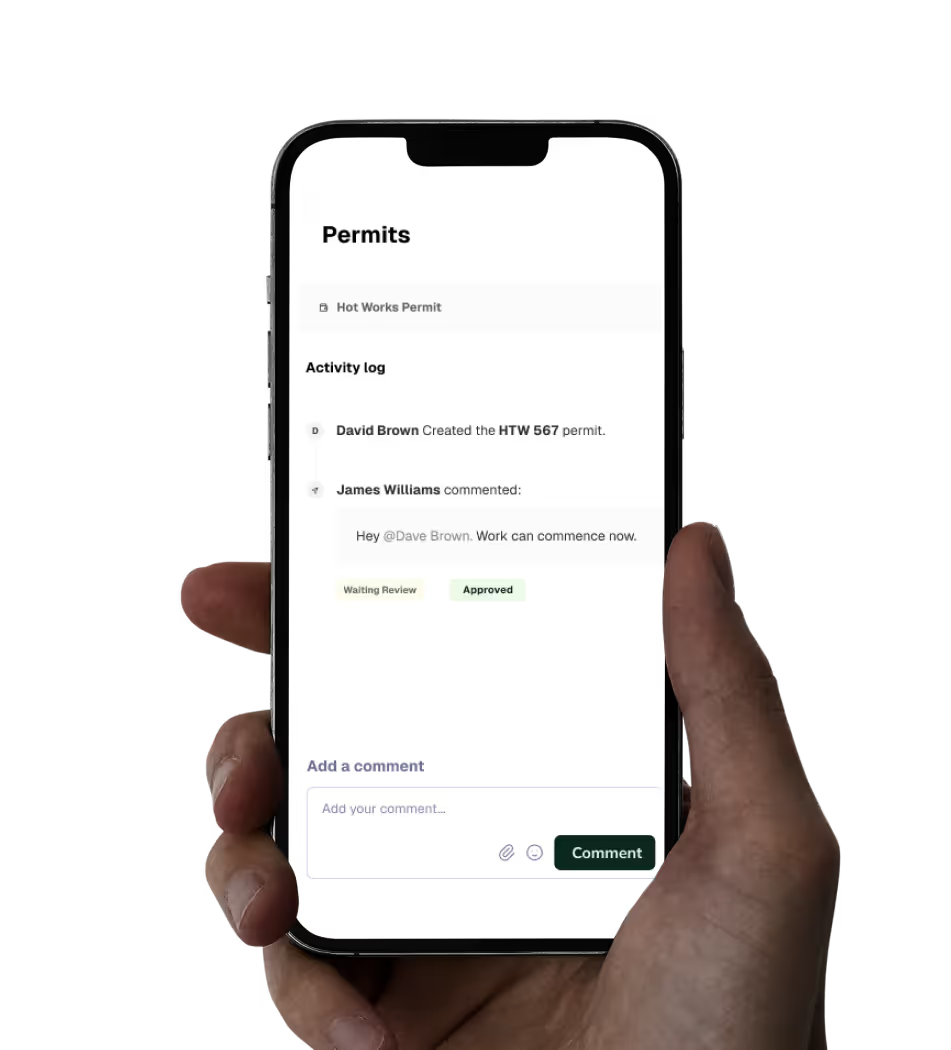

Concrete Cutting, Coring, Chasing & Drilling Permit

Authorise and manage concrete cutting, coring, chasing, and drilling activities.

Template preview

Description

Use this permit to authorise and manage concrete cutting, coring, chasing, and drilling activities. Ensure safety and compliance with site regulations.

By Buildpass
-
December 9, 2024
BuildPass employees have created these templates within the BuildPass Marketplace to help get you started and have been prepared for informational purposes only. Please note that some templates may require review and modification before each use to suit your specific needs and circumstances. Any content in the BuildPass Marketplace is not designed to act as legal advice or as a substitute for professional advice. You should consult a professional advisor before using any of these templates in your business.
BuildPass employees have created these templates within the BuildPass Marketplace to help get you started and have been prepared for informational purposes only. Any content in the BuildPass Marketplace is not designed to act as legal advice or as a substitute for professional advice. You should consult a professional advisor before using any of these templates in your business.

Frequently asked questions

Got an extra question about this template? Take a read of the FAQs, you'll likely find it here.

What initial information is required for the permit application?

The initial information required includes the trade, company name, type and size of the work (e.g., coring/100mm), and the location of the concrete cutting, coring, or drilling works. Attach a marked-up drawing or sketch showing the location of the works.

What structural and service considerations need to be addressed?

Ensure that all identified services have been located and marked, and attach the site service plan (mud map) to the permit. Attach the engineer's approval of the proposed works and any scan reports if required. Verify that structural components within the slab or wall, such as prestressed cables and reinforcing steel, have been located and marked.

What sign-offs are needed from service trades?

Service trades such as electricians and plumbers must sign off on the permit, acknowledging that they have reviewed the permit conditions and locations, and that there are no services or services have been isolated within the work area. If a subcontractor is not available, email confirmation may be attached.

What health, safety, and environmental considerations should be verified?

Ensure that the works are covered in a safe work method statement (SWMS) that has been reviewed and accepted. Verify that hazards and control measures associated with silica dust, noise control measures, and ventilation in enclosed areas are assessed. Confirm that barricades are in place, the area beneath the slab or wall is isolated, and traffic management is addressed.

Request a template

Looking for a specific template that's not listed? Submit your request and we'll do our best in creating a templated version.

Trusted by industry leaders

We're passionate about creating lasting relationships with our customers. Discover how leading construction professionals use BuildPass to create smarter, safer sites.


""The onboarding process and training we received from the BuildPass team was fantastic.""
Nick Du Bois
Managing Director, FORA

Discover how you could use BuildPass to create a safer, more efficient construction site.

Better communication

Foster better communication with head contractors and subcontractors by managing all of your sites workflows in one place.

Boost productivity

AI helps you speed up daily processes and remove manual tasks, giving your team hours back in their day to focus on the tasks that really matter.

Site safety

From instantly accessible insurance documents to comprehensive safety checklists, BuildPass sets you up for safety success.

Customisable checklists

Empower workers with the tools they need to create checklists that manage a range of tasks; from ITPs to a plant induction template.

Consolidated documents

The consolidated document management system and image library will help you find exactly what you need, whenever you need it

Mobile first

Construction isn't office based and neither is BuildPass. Download the mobile app and navigate all features with ease.

AI Toolkit

BuildPass AI is your super powered sidekick you won't be able to live without. Discover how you can skip stale admin, speed up manual processes and get sh** done faster.
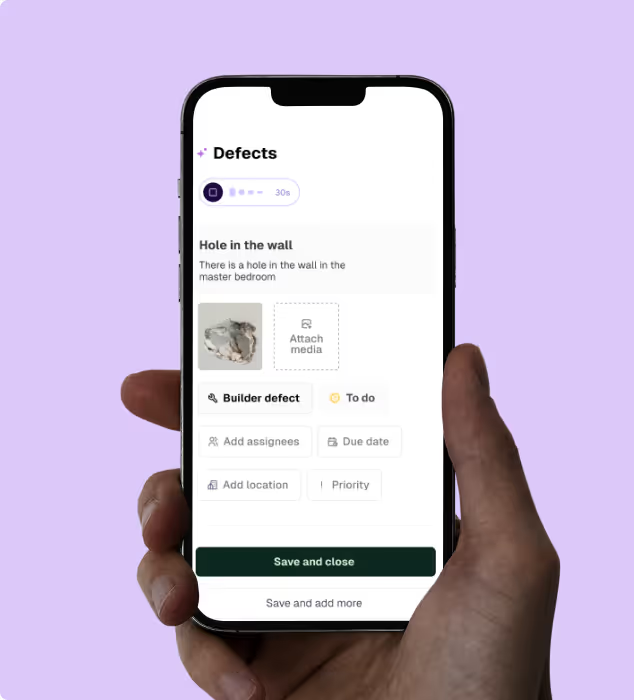
  • Need to send a weekly site report, or build a new safety checklist? AI will do it in seconds, not hours.
  • Get help with simple, repeatable tasks that can take up valuable time in your team's schedule.
  • Shave time off every defect you record with AI Voice Defects - helping you generate all required details, effortlessly.
  • Health & Safety

    Digitising your health & safety processes will be the best thing you ever do. Gone are the days of photocopying insurances or scanning in SWMS.

  • Induct workers in minutes and centralise all documentation within one central place.
  • Simplify SWMS management with customisable forms and easy to update templates.
  • Manage site numbers with daily sign ons and real time insights.
  • Quality Assurance

    Build quality into everything you do. Create ITPs, capture defects & ensure site work is to spec.

  • Build reliable ITPs and run inspections faster than you ever thought possible.
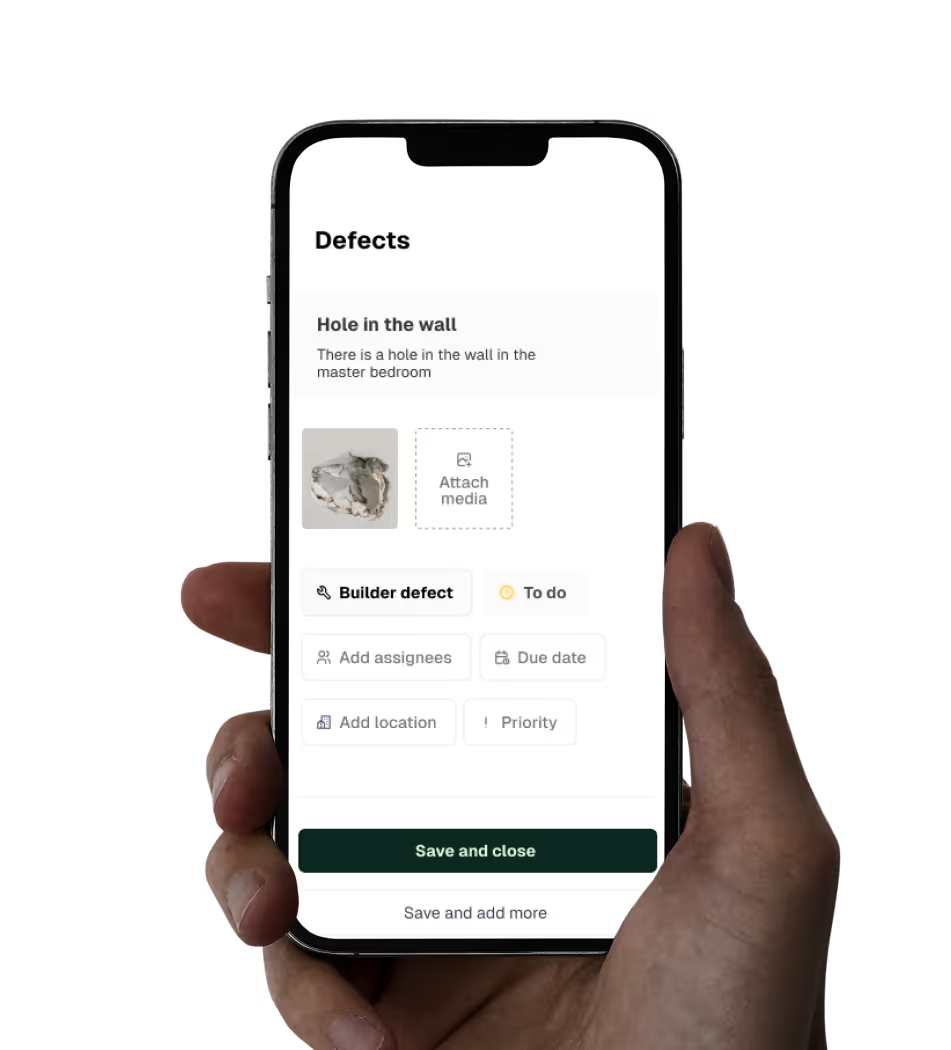
  • Capture, assign and track defects with ease.
  • Centralise all your project documentation in one place.
  • Site Management

    Centralise the management of every task on site. Build schedules, workflows, and daily site diaries with ease.

  • Manage access to documentation, including approving drawings or re-allocating RFIs.
  • Build workflows and link action items and other modules to scheduled tasks.
  • Build a digital record for any event on site that provides you complete CYA.