

Construction drawing management software
Keep your whole crew on the right drawing
One set of plans, split into sheets, marked up, and pinned with RFIs. Every revision carries your markups forward, so the office and the field always open the latest.
Trusted by general contractors nationwide
From custom-home builders to commercial GCs, teams run their drawings on BuildPass.



















Most drawing tools were built by people who never read a plan on a phone in the rain.

Eliminate rework from outdated plans
Upload a revision and it maps onto the sheet it replaces, so the crew never builds to an old plan.
Reclaim the hours lost to data entry
BuildPass reads the number, title and revision off each title block, so a set registers itself in minutes.
Built for reading in the field
Crews open the current set in the worker app or a public link, no login, and zoom to read the detail.
Everything a drawing set needs, in one place
From the first upload to the markup the crew builds from.
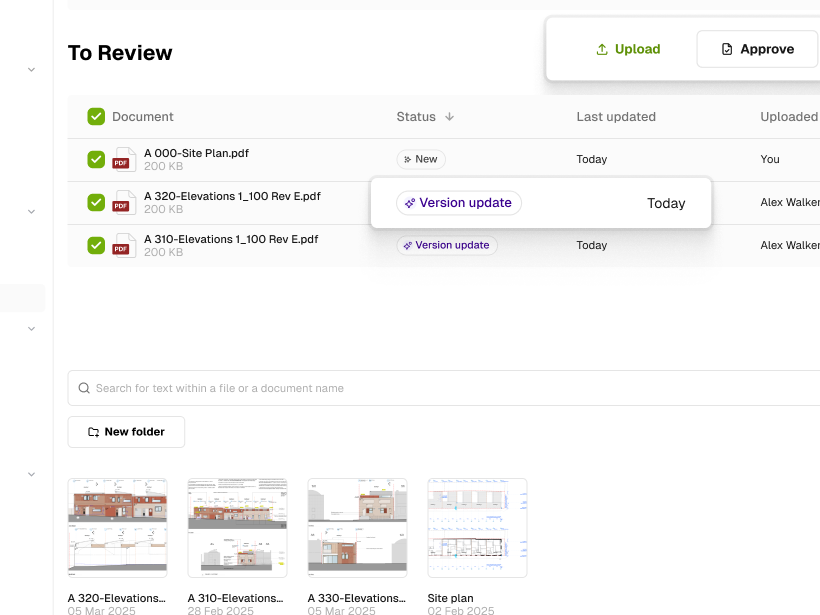
Upload & version control
Drop in a set; BuildPass reads the title block into a register and maps each revision onto the one it replaces.
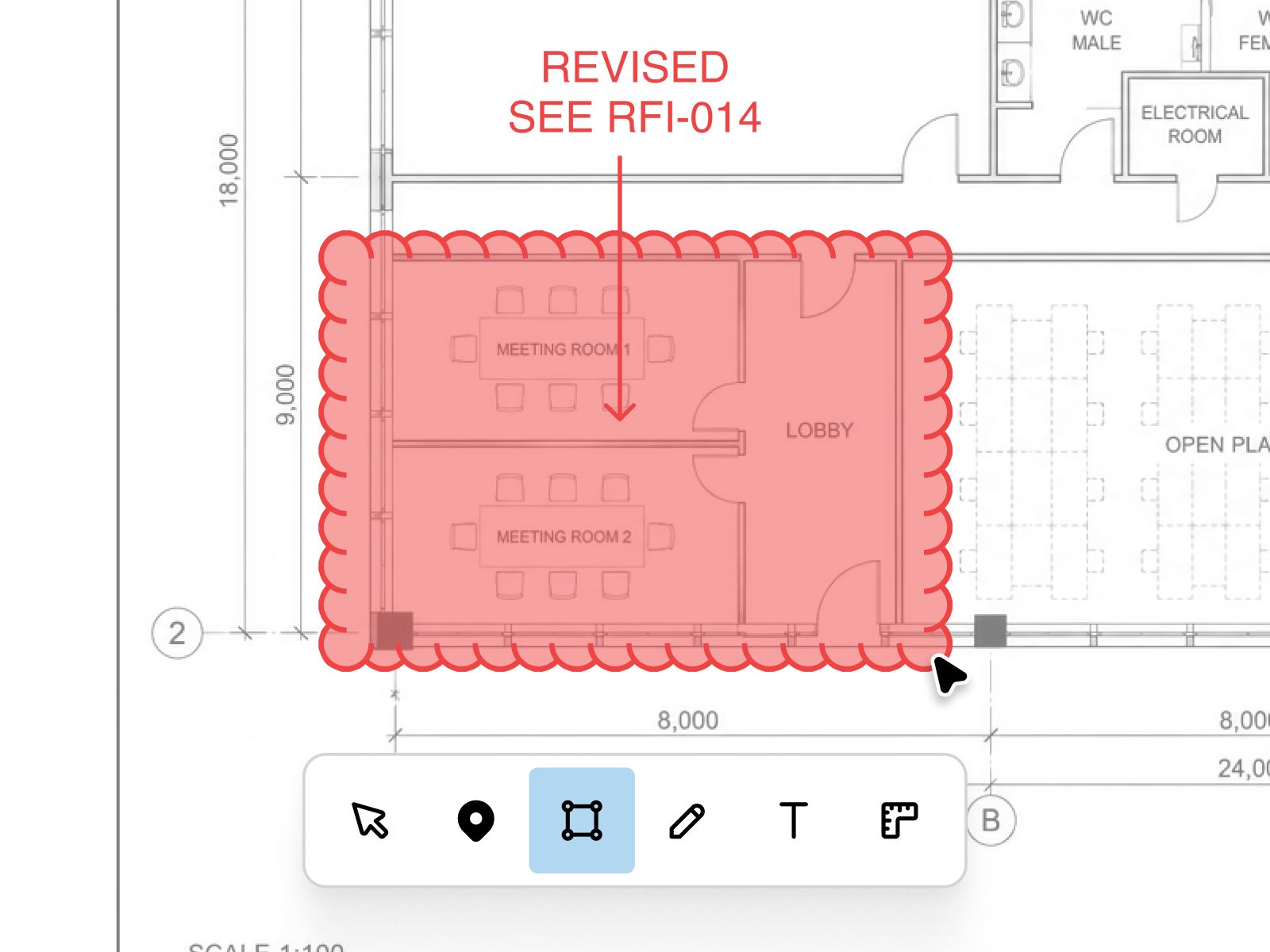
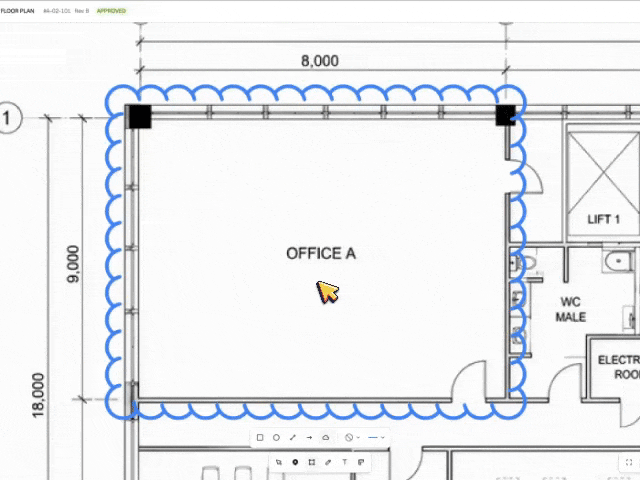
Mark up on the plan
Pins, clouds, freehand and text on any sheet. Private until you publish them to the crew.
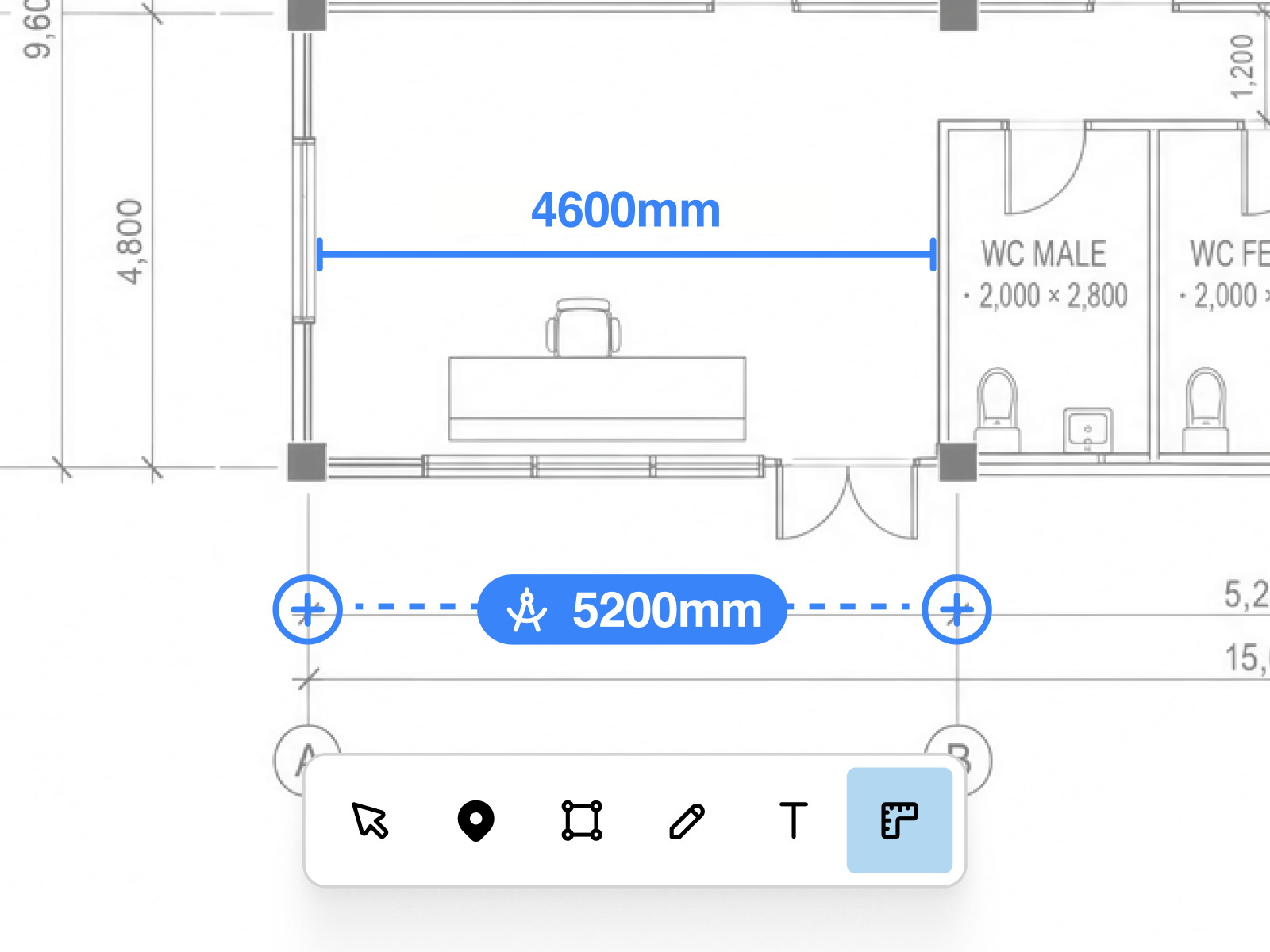
Measure & calibrate
Calibrate a page once, then measure anything to real-world scale, page by page.
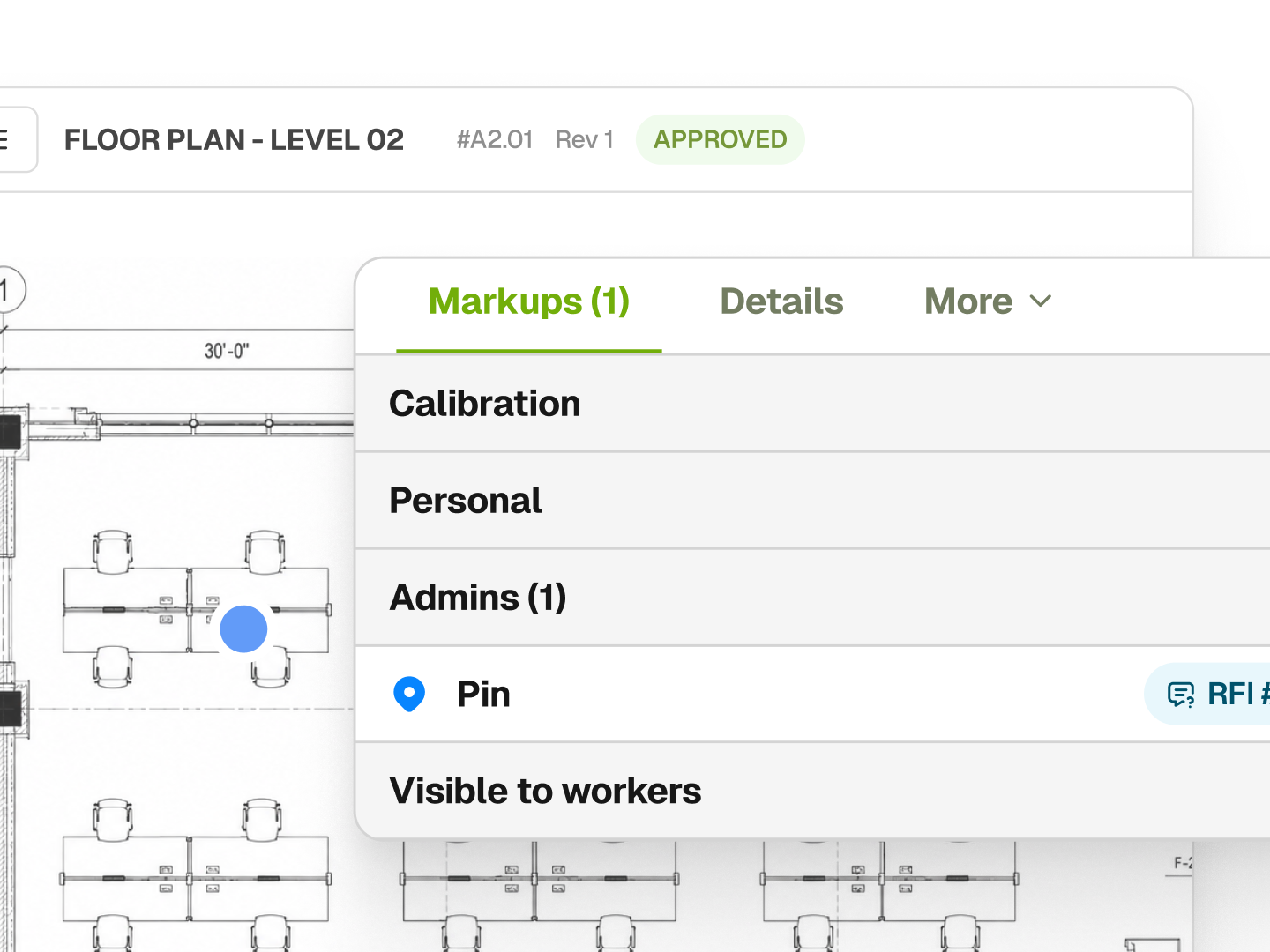
Pin RFIs to the exact spot
Drop a pin on the precise point and open an RFI there; it carries the location into your register.
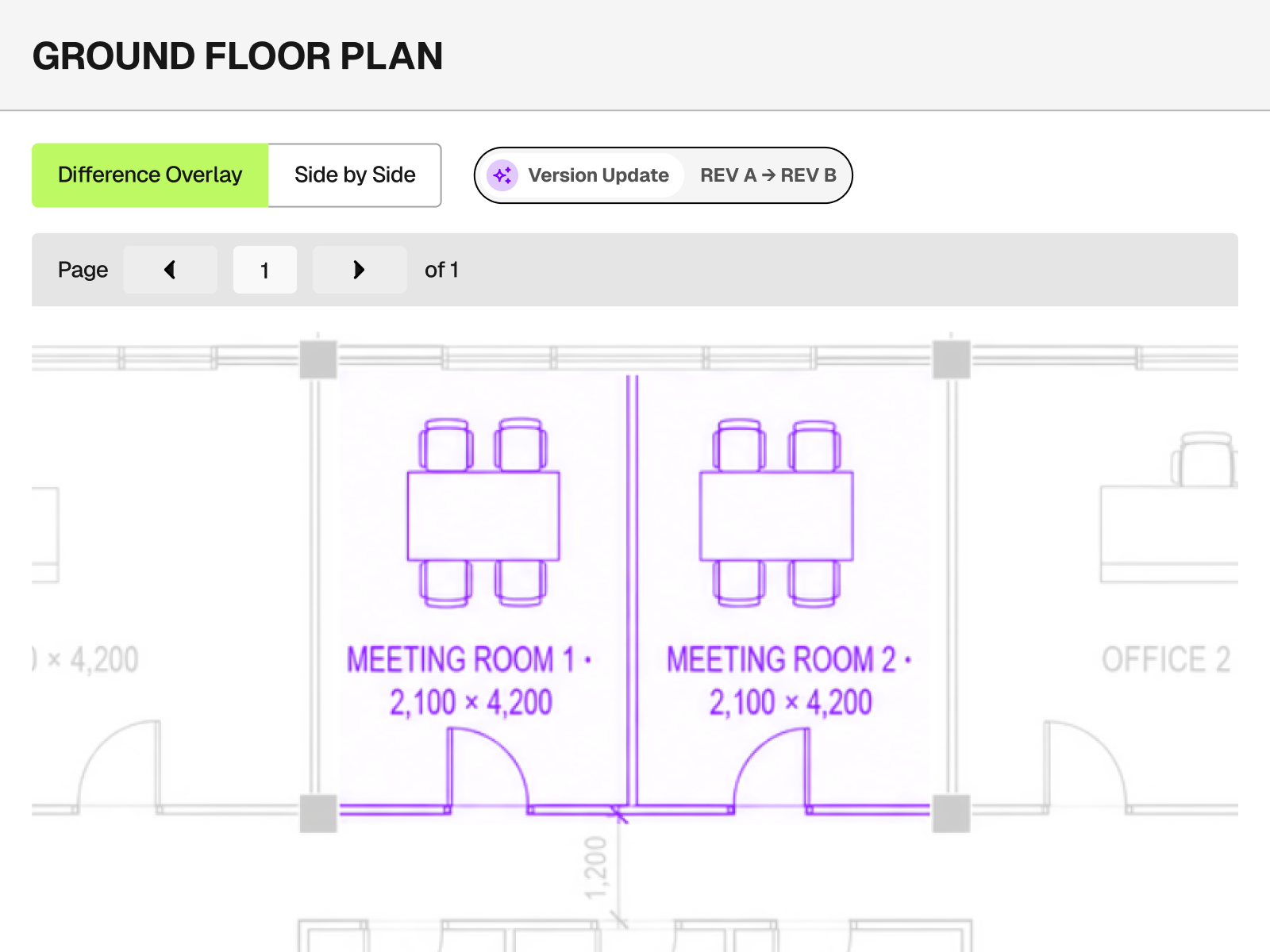
Compare revisions
Overlay two revisions to highlight every change, or view them side by side.
Share to the field
Publish to the crew and send a public link anyone opens on any device, no app required.
Drawings, connected to the rest of the job
Pin an RFI and it lands in your RFI log. Approve a revision and the crew is notified. Drawings runs alongside scheduling, daily logs, punch lists, permits, safety and the rest of BuildPass, so nothing lives in a silo.
Explore the platform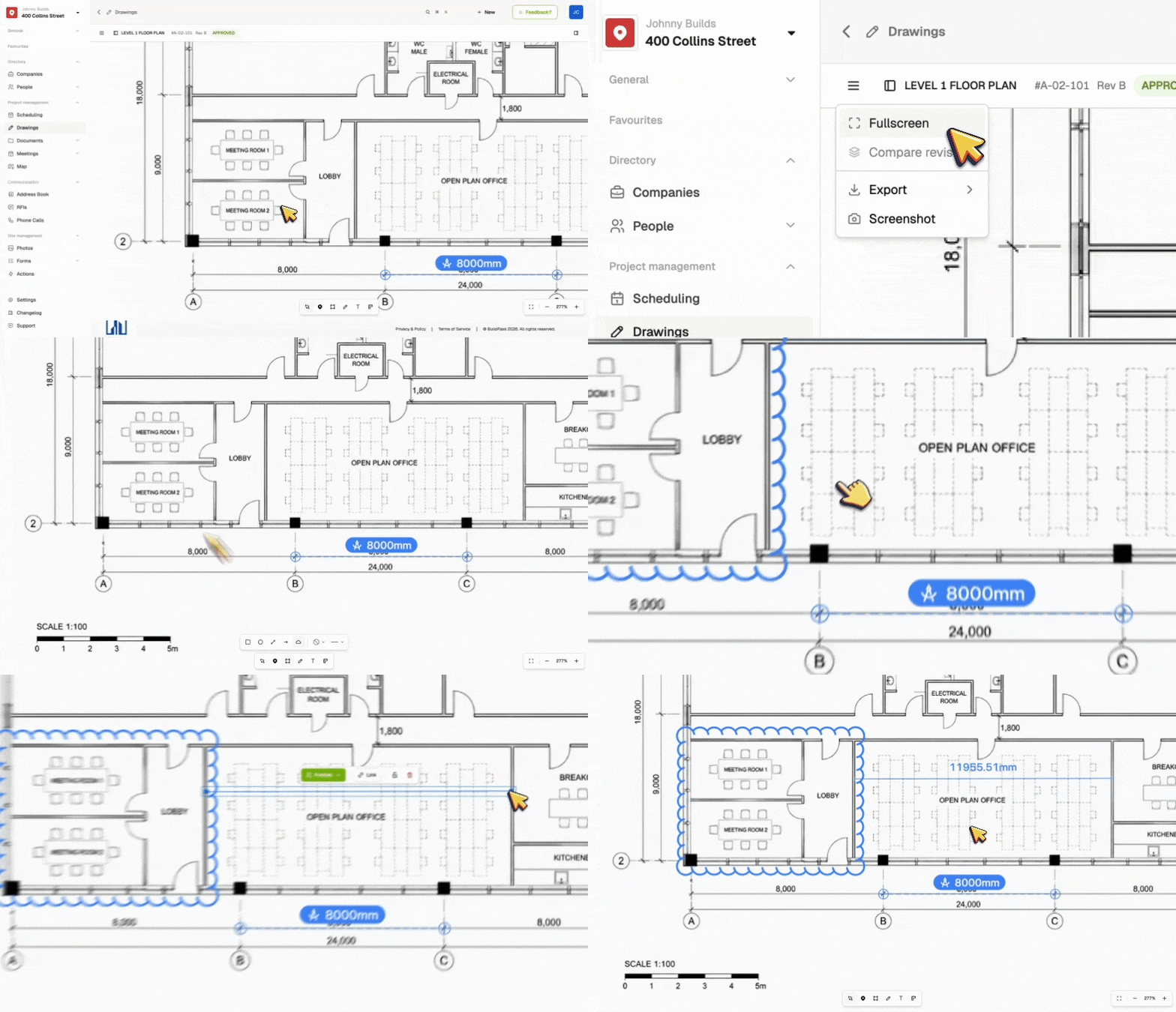



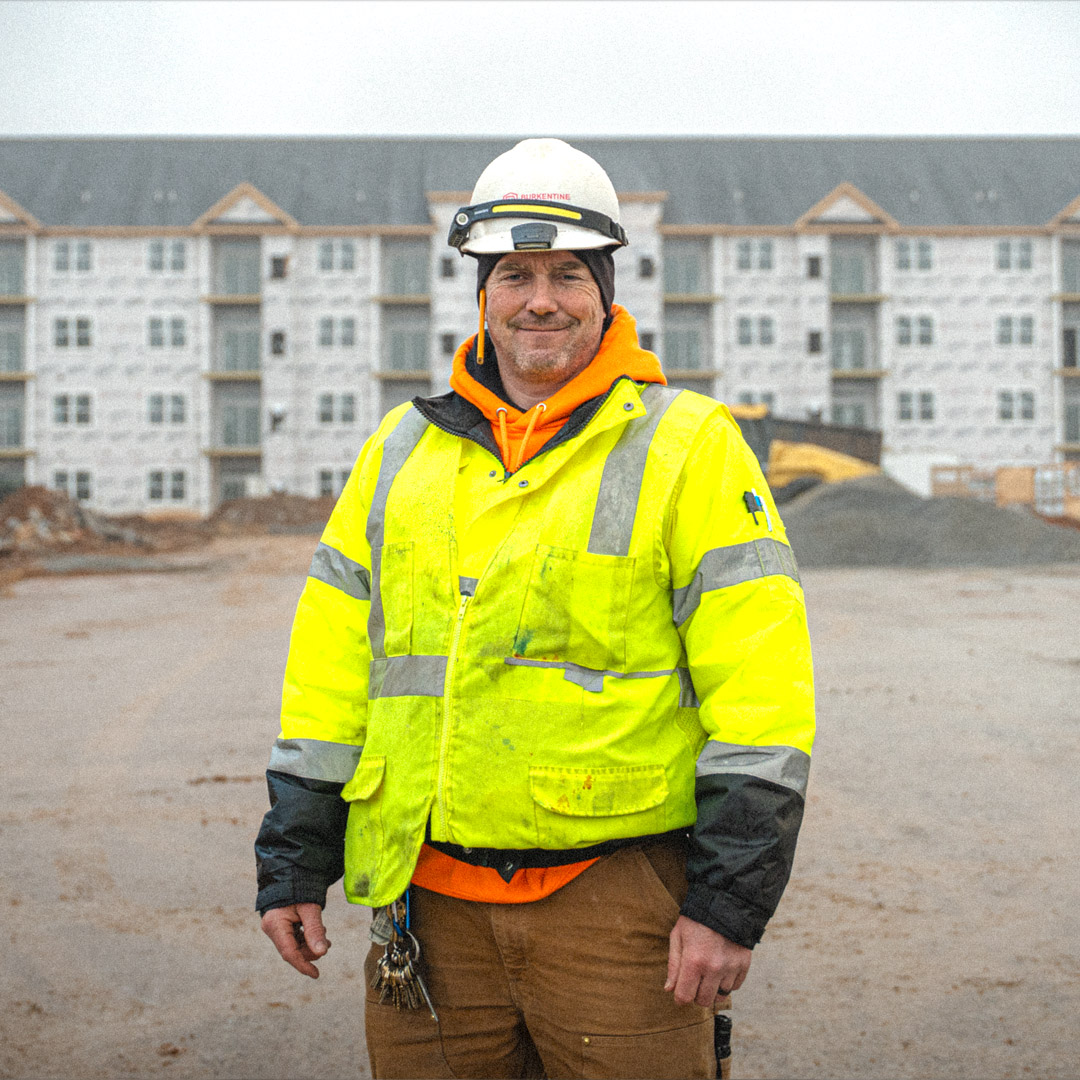
Build smarter, safer sites
BuildPass is trusted by hundreds of general contractors and thousands of subcontractors globally.
Featured blog posts
See how top builders are transforming their on site operations with BuildPass by streamlining workflows, improving safety, and meeting compliance requirements.
Copy-ready AI prompts for general contractors, and what comes back when you run them. Build checklists from a PDF, draft daily logs, chase RFIs and check sub compliance.
Free Claude skills that work with BuildPass. They learn how you run meeting prep, reports, follow-ups and morning briefings, then do them your way every time.
Connect BuildPass to ChatGPT. Ask about RFIs, punch lists, daily logs and sub compliance, move files and update your BuildPass records from the chat.
Frequently asked questions
Subscribe to our monthly newsletter and receive BuildPass news and industry insights you won't want to miss.
By clicking Sign Up you're confirming that you agree with our T&Cs.