

Construction Site Orientations
Construction site orientation software is a digital platform that helps manage safety training and compliance for workers and contractors. It lets companies create custom online modules, track progress, verify certifications and issue digital credentials like QR codes for on-site checks. Key features include mobile-friendly access, custom pathways, automated reporting and integration with other health and safety systems.
Complete orientations in minutes
Complete site orientations in minutes and centralize all documentation in one place. No photocopiers or repeated in-person sessions required.
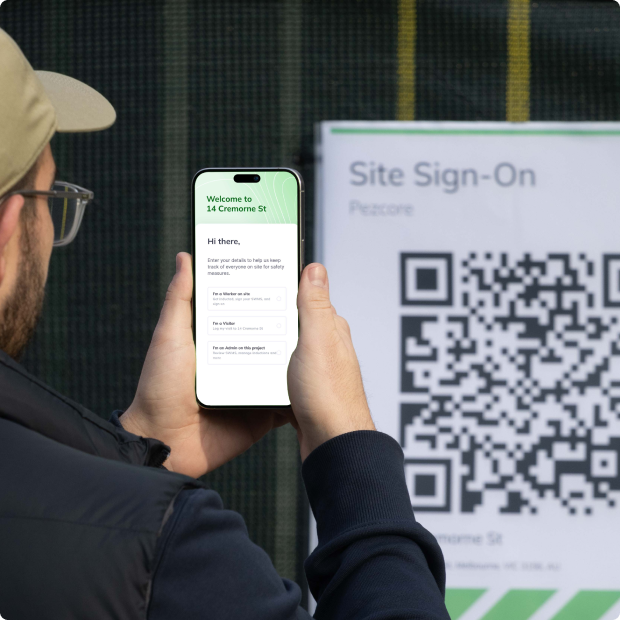
Seamless onboarding
Digital site orientations will shave hours off your Safety Manager or Superintendent's schedule while ensuring all workers are thoroughly trained on site-specific processes.
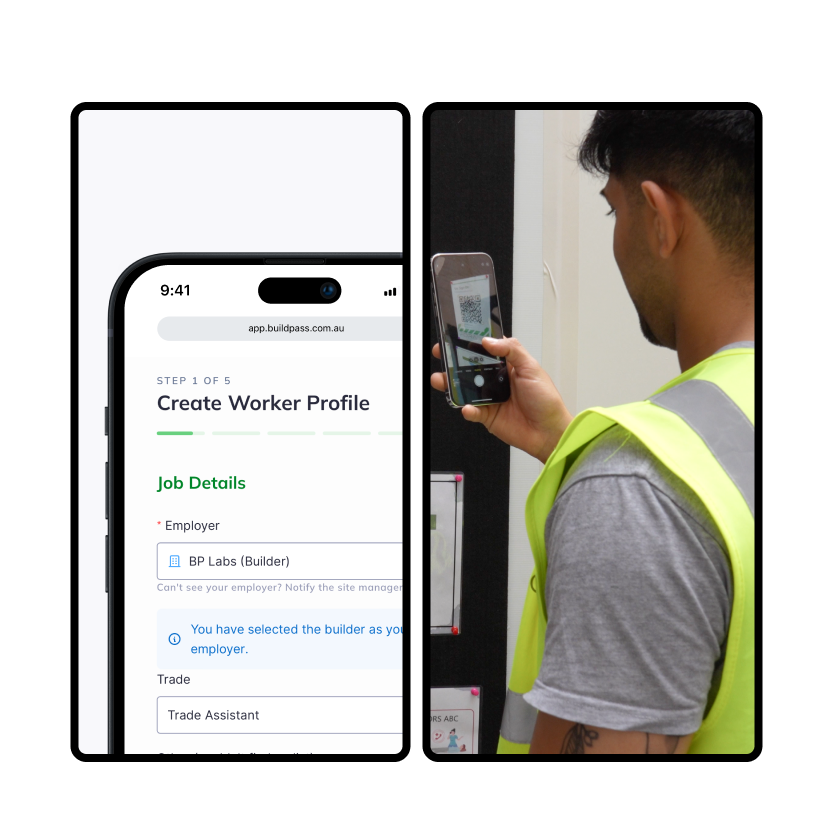
The orientation process
Discover how the digital orientation process works while capturing all required documentation.

Step 1.
Workers and visitors scan the BuildPass QR code as they arrive on site.
Step 2.
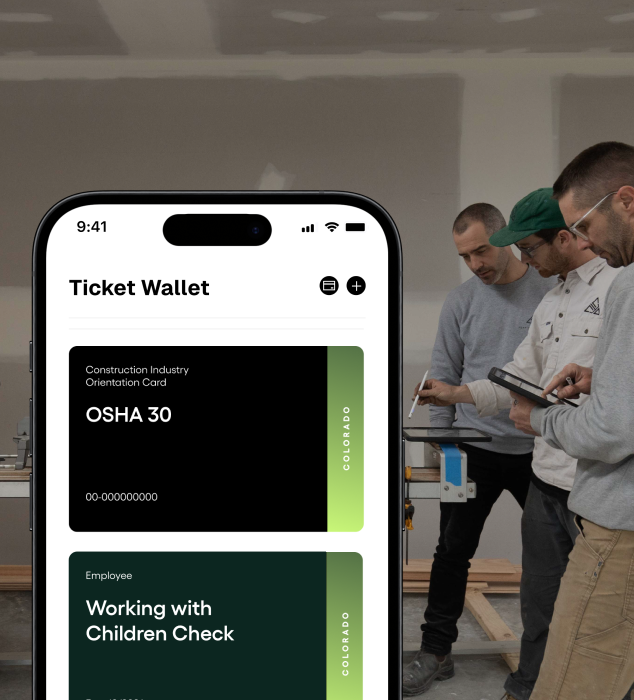
If it's your first time using BuildPass, you'll be directed through the profile creation stage. You'll upload all personal details such emergency contact details and relevant certifications.
Step 3.
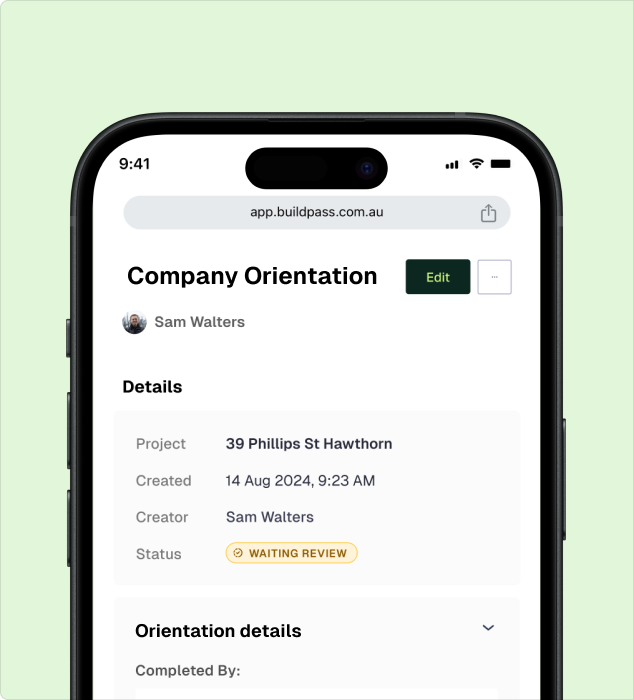
You'll be guided though a customized site orientation agreeing to its conditions upon completion.
Step 4.
All orientations can be viewed within the worker directory. No lost certifications or contacts details.
Track worker documents
Tired of chasing certifications or JSAs? Capture all required documentation during the site orientation—and receive automated reminders of upcoming expiry dates.
Instant updates
New compliance requirements? Update your site orientation flow in seconds and notify workers of the re-orientation requirement—no extra steps required.
It's all in the numbers
Thousands of sign ins, orientations and JSAs already under our belt.
AI Toolkit
BuildPass AI is your super powered sidekick you won't be able to live without. Discover how you can skip stale admin, speed up manual processes and get sh** done faster.
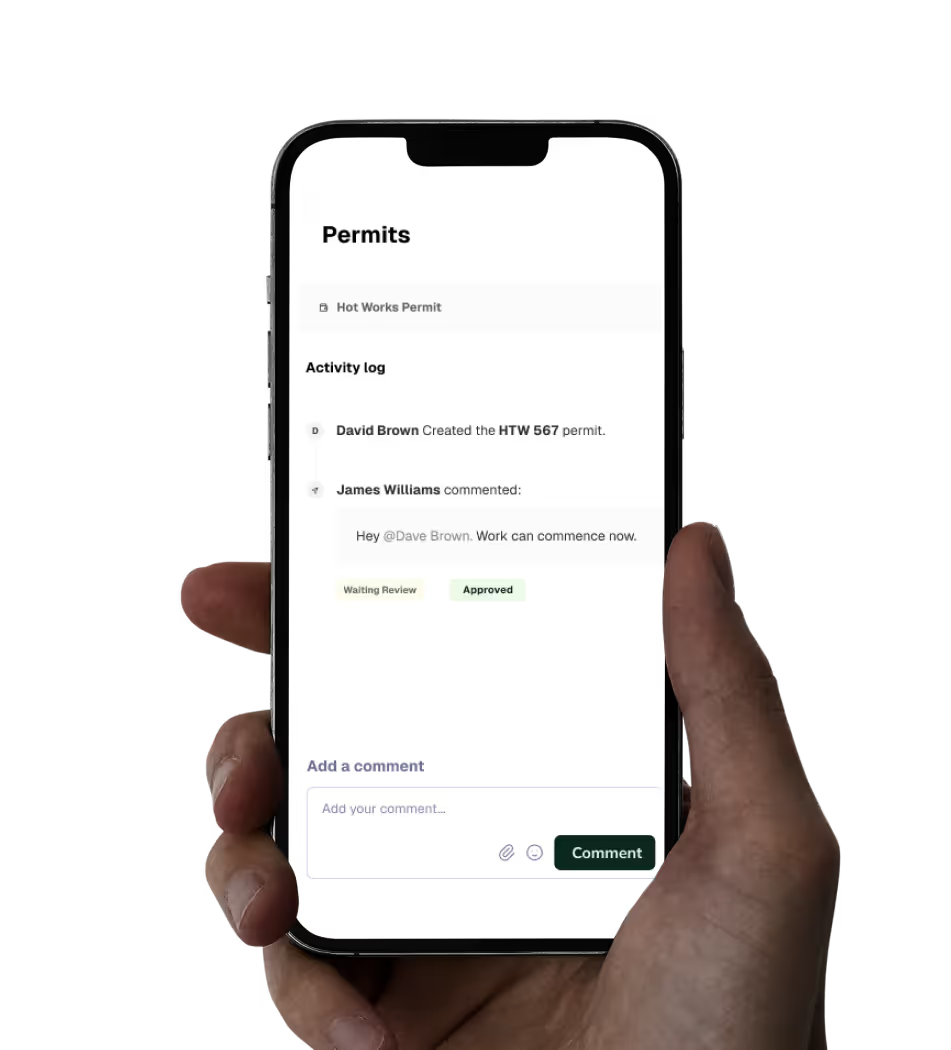
Health & Safety
Digitizing your health & safety processes will be the best thing you ever do. Gone are the days of photocopying certificates of insurance or scanning in JSAs.
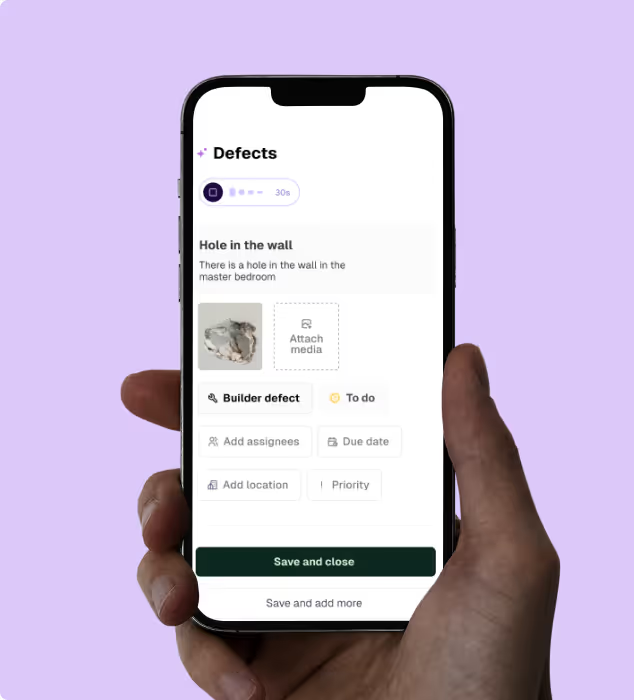
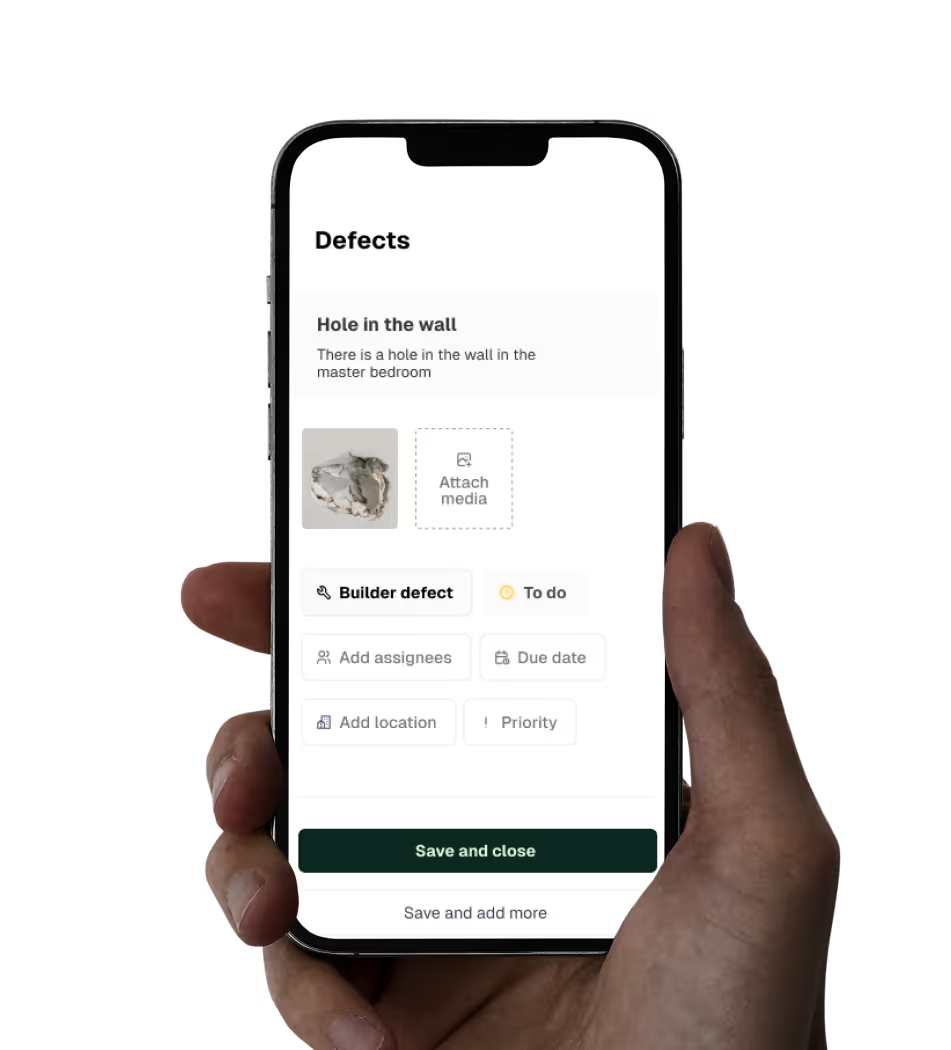
Quality Assurance
Build quality into everything you do. Create ITPs, capture punch list items & ensure site work is to spec.
Site Management
Centralize the management of every task on site. Build schedules, workflows, and daily logs with ease.
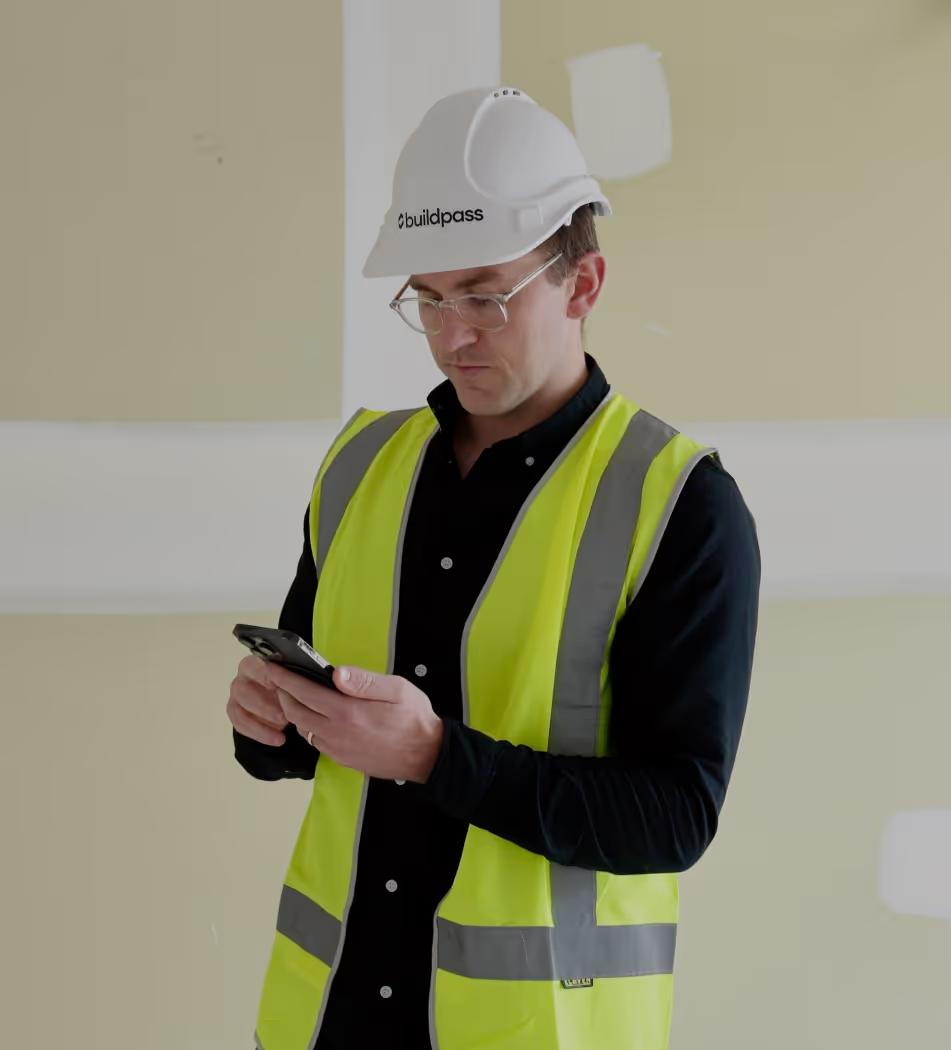
Discover how you could use BuildPass to create a safer, more efficient construction site.
Better communication
Foster better communication with contractors and subcontractors by managing all of your sites workflows in one place.
Boost productivity
AI streamlines your daily processes and eliminates manual tasks, giving your team valuable hours back to focus on what truly matters.
Site safety
From instantly accessible insurance documents to comprehensive safety checklists, BuildPass sets you up for safety success.
Customizable checklists
Empower Admin users with the tools they need to create checklists that manage a range of tasks; from ITPs to an equipment orientation template.
Consolidated documents
The consolidated document management system and image library will help you find exactly what you need, whenever you need it.
Mobile first
Construction isn't office based and neither is BuildPass. Access everything you need straight from your phone.
Inspiring stories
We're passionate about creating lasting relationships with our customers. Discover how leading construction professionals use BuildPass to create smarter, safer sites.



Featured blog posts
See how top builders are transforming their on site operations with BuildPass by streamlining workflows, improving safety, and meeting compliance requirements.
Copy-ready AI prompts for general contractors, and what comes back when you run them. Build checklists from a PDF, draft daily logs, chase RFIs and check sub compliance.
Free Claude skills that work with BuildPass. They learn how you run meeting prep, reports, follow-ups and morning briefings, then do them your way every time.
Connect BuildPass to ChatGPT. Ask about RFIs, punch lists, daily logs and sub compliance, move files and update your BuildPass records from the chat.
Frequently asked questions
Subscribe to our monthly newsletter and receive BuildPass news and industry insights you won't want to miss.
By clicking Sign Up you're confirming that you agree with our T&Cs.