

Equipment Orientation Register Template

Keep track of equipment orientations efficiently with this detailed Equipment Orientation Register template.

Template preview

Description

Keep track of equipment orientations efficiently with this detailed Equipment Orientation Register template. It includes sections for documenting equipment details, conducting visual and documentation checks, and ensuring all necessary safety information is available. Ideal for construction projects requiring thorough orientation records.

By Buildpass
-
August 25, 2024
BuildPass employees have created these templates within the BuildPass Marketplace to help get you started and have been prepared for informational purposes only. Please note that some templates may require review and modification before each use to suit your specific needs and circumstances. Any content in the BuildPass Marketplace is not designed to act as legal advice or as a substitute for professional advice. You should consult a professional advisor before using any of these templates in your business.
BuildPass employees have created these templates within the BuildPass Marketplace to help get you started and have been prepared for informational purposes only. Any content in the BuildPass Marketplace is not designed to act as legal advice or as a substitute for professional advice. You should consult a professional advisor before using any of these templates in your business.

Frequently asked questions

Got an extra question about this template? Take a read of the FAQs, you'll likely find it here.

What is the purpose of an Equipment Orientation Register?

An Equipment Orientation Register is used to document and verify that all equipment on a construction site has been properly oriented and meets safety requirements. It ensures that each piece of equipment has undergone necessary checks, including documentation, visual inspections, and risk assessments, to comply with site safety protocols.

What information is recorded in an Equipment Orientation Register?

The Equipment Orientation Register records essential details such as the date and time of the orientation, the equipment type, make, and model, operator information including license number, and checks for necessary documentation like logbooks, operator manuals, maintenance records, and risk assessments. It also captures signatures from responsible parties to confirm the equipment's compliance.

Why is it important to have a completed Equipment Orientation Register on-site?

Having a completed Equipment Orientation Register on-site is crucial for ensuring the safety of all personnel. It provides a formal record that each piece of equipment has been inspected, is in good condition, and meets all regulatory safety standards. This helps in preventing accidents and ensures that only competent operators are handling the equipment.

How often should an Equipment Orientation Register be updated?

An Equipment Orientation Register should be updated whenever new equipment is introduced to the site or when significant changes occur, such as maintenance, inspections, or updates to risk assessments. Regular updates ensure that all records are current and reflective of the actual condition and status of the equipment on-site.

Request a template

Looking for a specific template that's not listed? Submit your request and we'll do our best in creating a templated version.

Trusted by industry leaders

We're passionate about creating lasting relationships with our customers. Discover how leading construction professionals use BuildPass to create smarter, safer sites.


""The onboarding process and training we received from the BuildPass team was fantastic.""
Nick Du Bois
Managing Director, FORA

Discover how you could use BuildPass to create a safer, more efficient construction site.

Better communication

Foster better communication with general contractors and subcontractors by managing all of your sites workflows in one place.

Boost productivity

AI helps you speed up daily processes and remove manual tasks, giving your team hours back in their day to focus on the tasks that really matter.

Site safety

From instantly accessible insurance documents to comprehensive safety checklists, BuildPass sets you up for safety success.

Customizable checklists

Empower workers with the tools they need to create checklists that manage a range of tasks; from ITPs to an equipment orientation template.

Consolidated documents

The consolidated document management system and image library will help you find exactly what you need, whenever you need it

Mobile first

Construction isn't office based and neither is BuildPass. Download the mobile app and navigate all features with ease.

AI Toolkit

BuildPass AI is your super powered sidekick you won't be able to live without. Discover how you can skip stale admin, speed up manual processes and get sh** done faster.

  • Need to send a weekly site report, or build a new safety checklist? AI will do it in seconds, not hours.
  • Get help with simple, repeatable tasks that can take up valuable time in your team's schedule.
  • Shave time off every punch list item you record with AI Voice Punch Lists - helping you generate all required details, effortlessly.
  • Health & Safety

    Digitizing your health & safety processes will be the best thing you ever do. Gone are the days of photocopying certificates of insurance or scanning in JSAs.
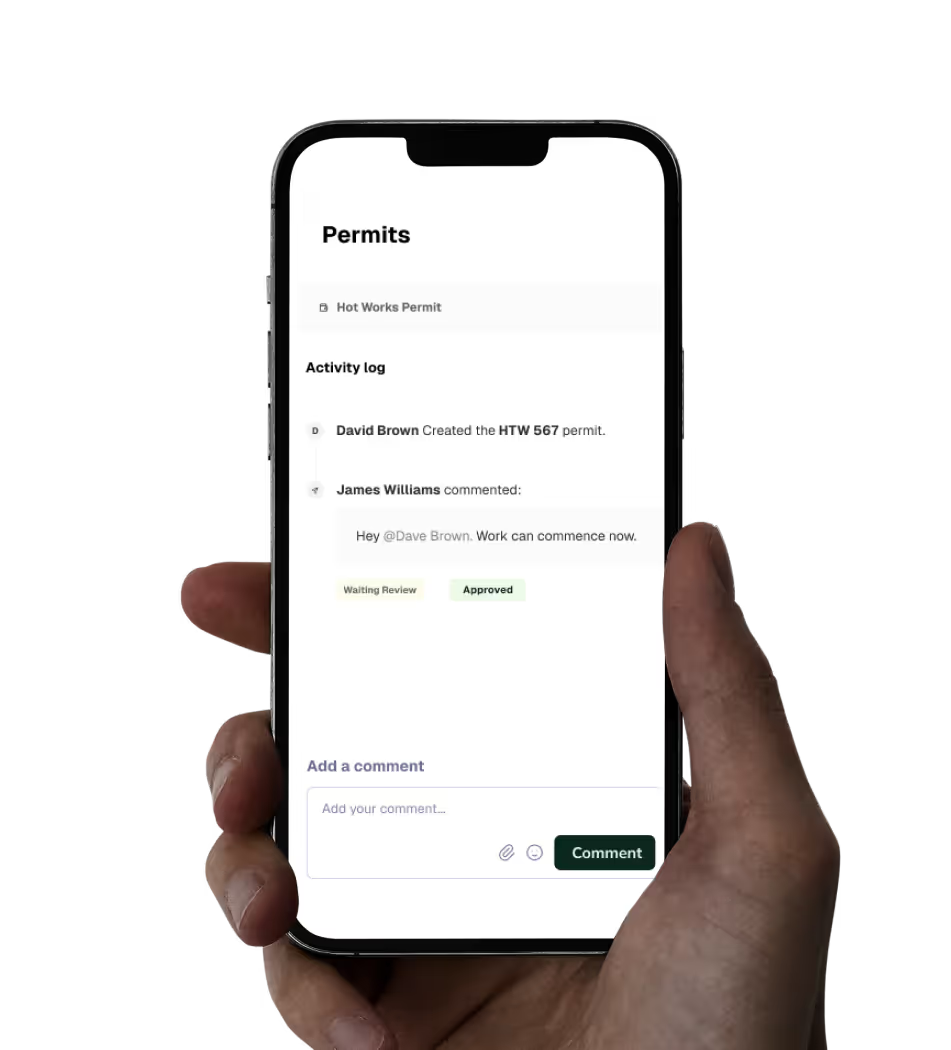
  • Orient workers in minutes and centralize all documentation within one central place.
  • Simplify JSA management with customizable forms and easy to update templates.
  • Manage site numbers with daily sign ins and real time insights.
  • Quality Assurance

    Build quality into everything you do. Create ITPs, capture punch list items & ensure site work is to spec.
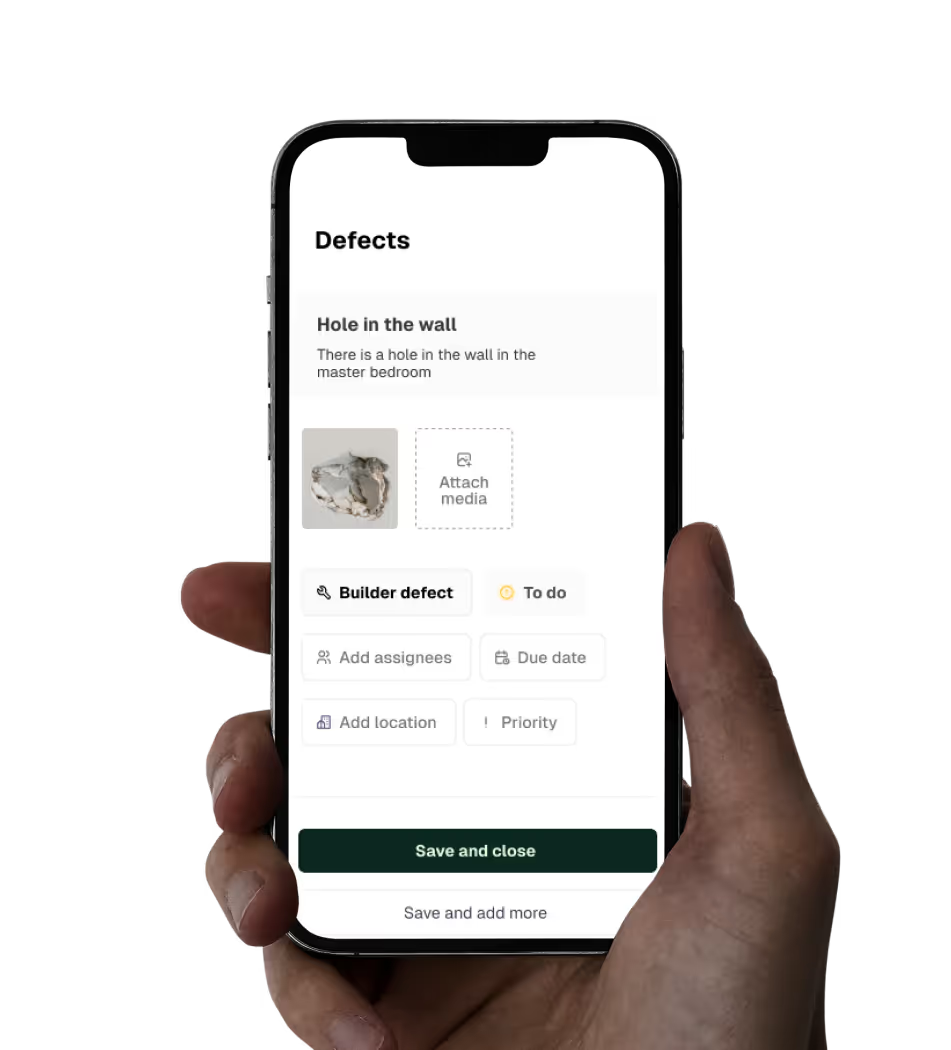
  • Build reliable ITPs and run inspections faster than you ever thought possible.
  • Capture, assign and track punch list items with ease.
  • Centralize all your project documentation in one place.
  • Site Management

    Centralize the management of every task on site. Build schedules, workflows, and daily logs with ease.

  • Manage access to documentation, including approving drawings or re-allocating RFIs.
  • Build workflows and link action items and other modules to scheduled tasks.
  • Build a digital record for any event on site that provides you complete CYA.