
How Turn Group put AI to work between site and office
Long-time BuildPass customers Turn Group run daily site reporting, SWMS compliance checks and client updates through BuildPass MCP and Claude — and get their weeks back.
Meet Turn Group
Turn Group build at the top end of the Melbourne residential market — architectural homes and specialised commercial work, the kind of projects where the finish is the product. We first told their story in 2024, when they consolidated a fragmented software stack onto BuildPass.
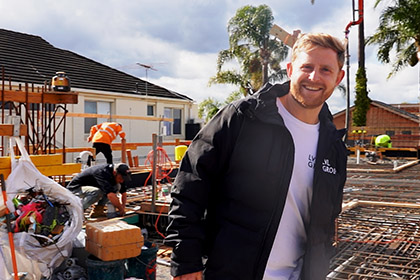
We went back this winter to see what had changed, and found the team on the Bellarine Peninsula at Ocean Grove: a three-storey build with Auhaus Architecture, roughly fifteen metres of fall from the top of the block to the bottom, a detailed retention system worked from the bottom up, and a lot of off-form concrete.
"It's a super unique project. We've got a three-storey build on a sloping block, roughly fifteen metres from top to bottom, so some very detailed retention systems where we've had to work our way out from the bottom to the top."
– Jordan Walker, Project Manager
The slope shapes everything, including the mood.
"The slope makes it very challenging to get materials down and back up. It's a very steep incline — everyone's calves are burning by the end of the day."
– Dan Brunskill, Site Manager
The trade-off is the view from the top of the hill, out over Barwon Heads.
The next challenge
Consolidation solved Turn Group's tool sprawl. What it didn't solve was the time spent going to get information that already existed.
- Project managers can't be everywhere. A PM carrying two or three jobs can't have the visibility a site manager has, which turns basic questions into phone calls.
- Admin accumulates at the edges of the day. Reconciling who signed on — and whether they signed onto the right SWMS — is end-of-day and end-of-week work.
- Client reporting is a manual assembly job. Weekly updates meant logging in, opening each project, reading the diaries and writing it up.
- One platform still isn't the only platform. Even an all-in-one runs alongside email, calendars and the rest of the business.
Why BuildPass MCP
Turn Group were among the first customers to adopt BuildPass MCP — the connector that lets a team use their live BuildPass data from Claude and the other AI tools they already work in. Instead of going to the platform to retrieve information, the information comes to them, in the format they already work in: a notification, an email, a summary they can forward.
"The world of construction and AI is constantly evolving, and here at Turn Group we see real value in evolving with it. BuildPass have been a massive part of that shift for us — connecting what happens on site with what happens in the office and making that a lot more streamlined. Ultimately we're spending less time chasing information and getting the actual work done out here on site."
– Jordan Walker, Project Manager
BuildPass MCP in action
Daily sign-on reporting, delivered
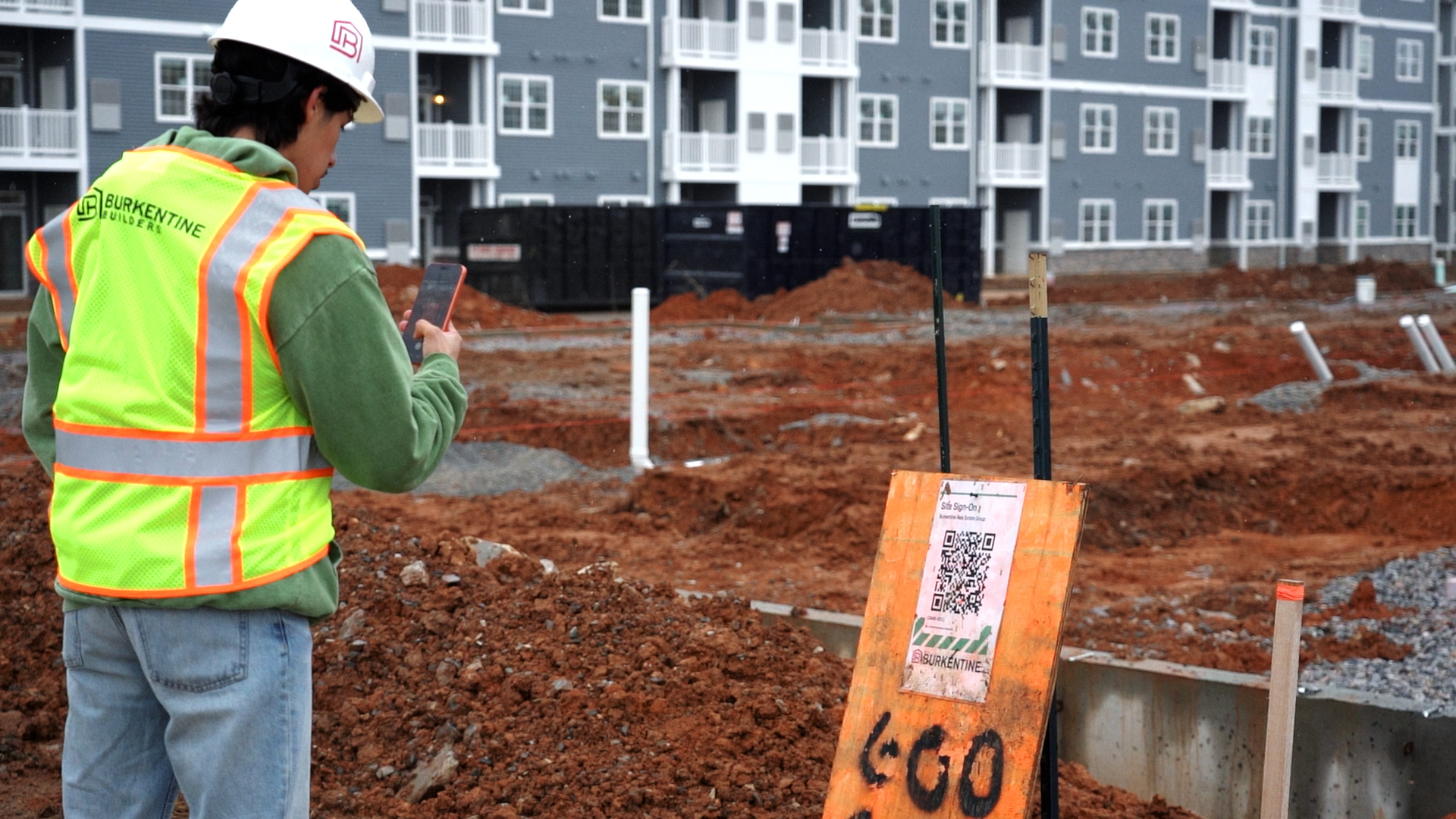
The most-used workflow at Turn Group is also the simplest. Sign-on data already lived in BuildPass; MCP made it arrive on its own.
"For me in particular, I can now just get notifications straight to my phone of who signed on for the day on every one of my job sites. Literally at the click of a button, it can schedule these tasks for me to do daily."
– Jordan Walker, Project Manager
For contract administrator Oscar, the same capability runs as a scheduled email.
"A really useful feature has been setting Claude up to send me an email at the end of the day, via BuildPass, to let me know which subcontractors have signed in, how many people have been on site, and whether they're signed on to SWMS. That saves me a lot of time dealing with the site manager — I just ask Claude to do it and it does it, end of day, automatically."
– Oscar, Contract Administrator
SWMS compliance checks without the phone call
Safety documentation is where the time savings compound, because the checking is constant.
"It allows me to check in without having to talk to the site manager. I can just ask Claude how many people have signed on, whether they're signed on to our SWMS or the subcontractor's SWMS. That saves the admin at the end of the week or the end of the day, and it frees up time in the office to focus on things that are just as important."
– Oscar, Contract Administrator
Client-ready weekly summaries
"Previously I would log on, check the site diaries, go into each individual project to see where things are at. Now it's almost a notification style — it's very easy for me to check in on my jobs and check where the programme's at. I can quite easily get weekly updates put into the format of an email or a site summary, which is great to pass on to clients."
– Jordan Walker, Project Manager
Drawing revisions that explain themselves
Alongside the AI toolkit, BuildPass Drawings does the job that used to eat a morning.
"I can upload a new revision of drawings and it'll automatically scan the drawings, overlay them, and provide a list of changes, which I can then pass on to subcontractors. That saves me a lot of admin time and prevents me from missing things as well."
– Oscar, Contract Administrator
A photo of the whiteboard becomes the schedule
On site, the planner is still handwritten. It doesn't have to stay that way.
"I love the fact that you can take a photo of your noticeboard and it automatically links to the schedule and brings everything up. It's just so quick and easy. And then you can send it out as a PDF to trades — it makes things so much easier."
– Dan Brunskill, Site Manager
Set up properly, from day one
Turn Group didn't self-serve their way in — the BuildPass team ran two sessions on site.
"We've had a couple of sessions with the BuildPass team coming in and showing us around the systems and how to integrate them. For programmes that can feel quite overwhelming, they've made it quite simple. With AI technology it always feels like, how do I do this stuff? But you really just need someone to show you how to map it out. Now it's just super easy for us to get those connectors in and apply them to a daily job — it's part of our daily systems."
– Jordan Walker, Project Manager
The results
Time returned to the week.
The reporting that used to be assembled by hand now arrives assembled.
"It's getting time back in my week, and not feeling like things are slipping through the cracks."
– Jordan Walker, Project Manager
Fewer interruptions between office and site.
Questions that used to be phone calls are now quick queries.
A shorter path from site to client.
Programme updates and site summaries go out in the format clients already receive.
Safety admin that doesn't wait for Friday.
SWMS and sign-on status is checked daily, not reconciled weekly.
Less paper.
As Dan describes it, the crossover with AI helps the office understand the day-to-day and what's coming up on site. You'll never have total visibility — but the paper trail is going.
The honest version
The line that matters most from the shoot is the one that pushes back a little.
"It's not that BuildPass replaces the judgement call. Someone still has to be here to walk the site, open the defect, close the defect. What's really changed for us with this integration is how much time doesn't get eaten up trying to find that information. It's all streamlined to us really easily."
– Jordan Walker, Project Manager
That's the honest version of what the integration does. The build is still the build. Fifteen metres of slope is still fifteen metres of slope. What changes is how much of the week goes to it.
Ready to connect BuildPass to the tools you already use?
Book a demo and we'll walk you through BuildPass MCP.