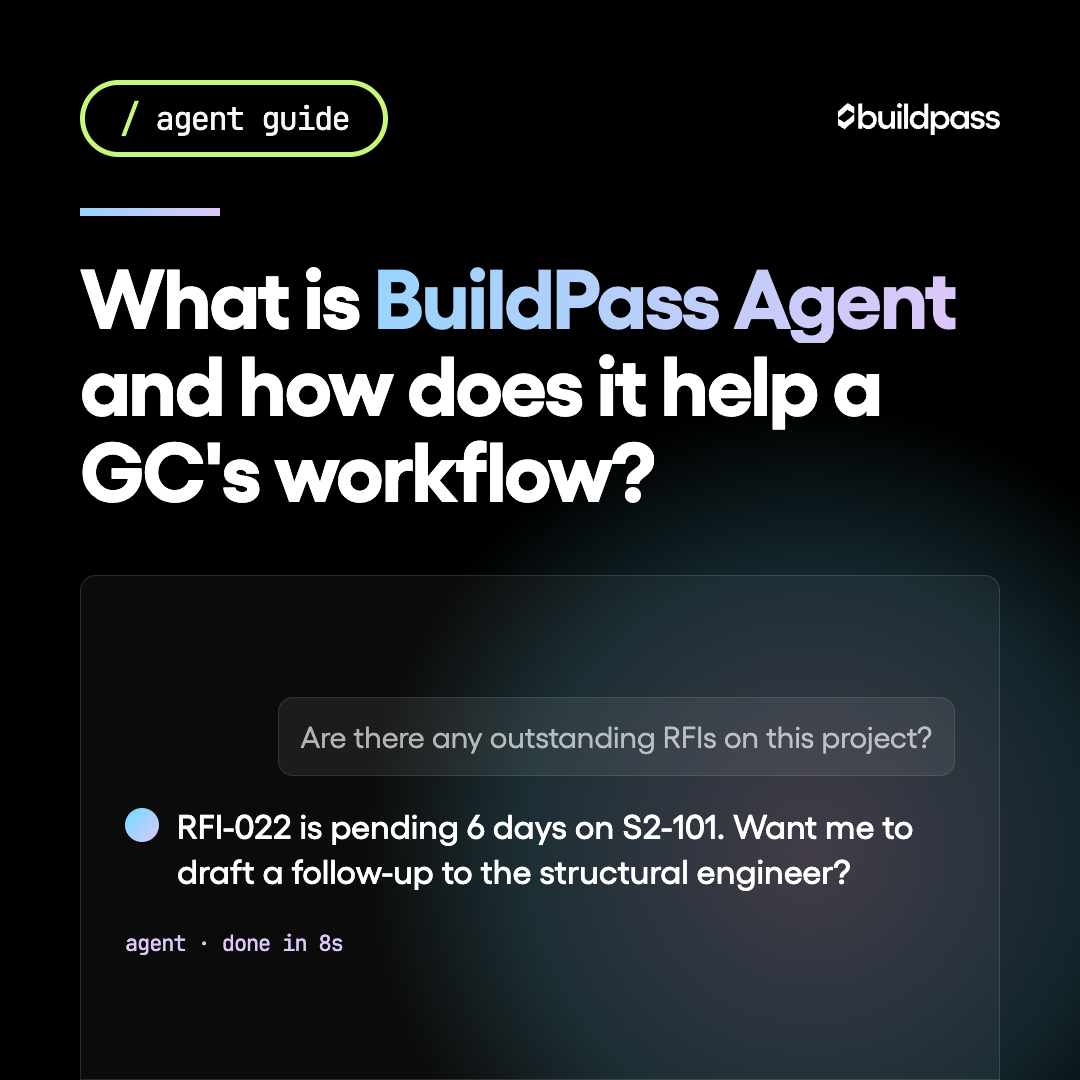
What is BuildPass Agent and how does it help a GC's workflow?
BuildPass Agent puts AI in construction workflows where it counts. Here's what it actually does, how it works, and what it won't do.

Most AI tools in construction right now are glorified search bars. You paste in a question, get a generic answer from the open web, and then spend 20 minutes figuring out whether any of it applies to your project.
BuildPass Agent works differently. It runs on your live project data, inside the platform your team already uses every day. This post explains what it is, what it actually does, and where it fits into a GC's workflow.
What is BuildPass Agent?
BuildPass Agent is an AI assistant built into the BuildPass platform. You can ask it questions, request summaries, and trigger actions using plain language. It works from your own project records, not the open web.
If you're running 5 to 15 projects and your team is spread across sites, the Agent is the difference between digging through records yourself and getting an answer in seconds.
It's not a separate app. It's not a chatbot bolted onto the side of your site management software. It lives inside BuildPass, where your punch lists, daily logs, JHAs, orientations, and crew data already live.
How is it different from just using ChatGPT?
This comes up a lot, so it's worth being direct about it.
General AI tools like ChatGPT or Claude work from public information and whatever you paste into them. They have no idea who your crew is, what's open on your punch list, or what happened on Site 3 last Tuesday. Every conversation starts from zero.
BuildPass Agent is connected to your account. It knows your projects, your workers, your compliance status, and your task history. Ask it "which punch list items on the Harbor Street job are still open?" and it checks your actual records, not a guess.
The other difference is permissions. The Agent only shows a user what they're authorized to see. A project manager assigned to two sites won't pull data from a site they're not on.
If you already use Claude or another AI tool and want to keep using it, BuildPass also supports an MCP connector. That lets you hook BuildPass into the AI tools you already have, so your project data is available inside the environment you're working in, not just inside BuildPass.
What can BuildPass Agent actually do?
The Agent handles two types of work: answering questions and taking actions. Here's how that looks in practice.
Questions and lookups
| What you ask | What the Agent does |
|---|---|
| "Which workers on the Riverside project haven't completed their orientation?" | Pulls your live worker records and lists the outstanding orientations |
| "Show me all open punch list items assigned to our electrical sub" | Filters your punch list by company and returns open items only |
| "Summarize yesterday's daily log for the downtown job" | Reads the log and returns a plain-English summary |
| "Which JHAs are expiring this month?" | Checks your compliance records and flags what's coming due |
| "How many crew were on site at the Millbrook project last week?" | Pulls sign-on data and gives you a count by day |
Actions
| What you ask | What the Agent does |
|---|---|
| "Create a punch list item for the missing handrail on Level 2, assign it to the framing sub, due Friday" | Creates the item, assigns it, sets the due date |
| "Draft an owner report summary for the Harbor Street project" | Pulls relevant project data and drafts a summary for your review |
| "Flag this JHA as needing review and notify the site super" | Updates the record and sends the notification |
The Agent will always confirm before making changes to your records. It doesn't take action silently.
Where does this fit in a GC's day?
The workflows where BuildPass Agent saves the most time are the ones that normally require you to click through multiple screens or chase someone for an update.
Before BuildPass Agent: Your project manager wants to know which subs on the Monroe Avenue job are missing current JHAs. They open the compliance module, filter by project, sort by expiry date, cross-check against the crew list, and put together a summary. That's 15 to 20 minutes of clicking around to answer one question.
With BuildPass Agent: "Which subs on Monroe Avenue have JHAs expiring in the next 30 days?" Answer in seconds, straight from your live data.
The same pattern applies to daily log reviews, punch list status checks, orientation completion rates, and owner report drafts. These are high-frequency, low-complexity tasks that eat into the hours a superintendent or PM should be spending on actual site management.
What BuildPass Agent won't do
Being clear about this matters.
The Agent won't access anything outside BuildPass. It doesn't search the web, pull from third-party apps that aren't connected, or fill in gaps with assumptions about data that isn't in your account.
It won't make changes without confirmation. If you ask it to close out a punch list item or assign a task, it shows you what it's about to do and asks you to confirm before anything updates.
It won't override your permissions. If you're a project manager assigned to two specific jobs, the Agent only works within those jobs. It can't pull data from projects you don't have access to, regardless of how you ask.
And it won't give you safety or legal advice. It can tell you which JHAs are filed, which ones are expired, and which workers haven't acknowledged a safety notice. It won't interpret OSHA regulations or tell you whether your documentation meets a specific compliance standard. For that, you need a qualified safety professional.
Does BuildPass use my project data to train its AI?
Your project data is not used to train AI models. The Agent reads your data to answer your questions and take actions within your account. It doesn't feed that data into a shared model or use it to improve responses for other BuildPass customers.
BuildPass Agent and the wider AI toolkit
BuildPass Agent is part of a broader set of AI tools built into the platform. Across BuildPass, AI also assists with:
- Generating form templates from a plain-language description
- Summarizing daily logs automatically
- Flagging overdue actions across your projects
The Agent is the conversational layer that ties these capabilities together. Instead of navigating to each module separately, you can ask the Agent to pull the information or trigger the action directly. See how BuildPass handles site management end to end.
Frequently asked questions
What is BuildPass Agent?
BuildPass Agent is an AI assistant built into the BuildPass platform. It lets you ask questions and trigger actions using plain language, working from your own live project data.
Is BuildPass Agent just ChatGPT or Claude inside BuildPass?
No. General AI tools like ChatGPT have no connection to your project data. BuildPass Agent is integrated with your account, so it works from your actual records: your crew, your punch lists, your compliance status, your daily logs. Every answer comes from your data, not a general knowledge base.
What can BuildPass Agent actually do?
You can ask it to look up information (which workers are missing orientations, which punch list items are still open, what the daily log said yesterday) and take actions (create a punch list item, draft an owner report summary, flag a JHA for review). It covers the high-frequency tasks that normally require clicking through multiple screens.
Can BuildPass Agent change my records without asking?
No. When the Agent is about to make a change, it shows you what it plans to do and asks you to confirm before anything is updated.
Does BuildPass use my project data to train AI models?
No. Your project data is used to answer your questions within your account. It is not used to train shared AI models or improve responses for other customers.
Do I need to be tech-savvy to use BuildPass Agent?
No. If you can send a text message, you can use the Agent. You type a question in plain English and it responds. There's no command syntax to learn.
Can BuildPass Agent do something I'm not allowed to do?
No. The Agent respects your account permissions. If you're a project manager assigned to specific projects, the Agent only works within those projects. It can't pull data or take actions outside your authorized access.
See it in action
If you're running multiple projects and spending too much time chasing status updates, BuildPass Agent is worth 30 minutes of your time. Book a demo and we'll walk through exactly how it works on a live account.
More news you'll care about
Don't stop there, the BuildPass blog is filled with interesting insights and innovations that'll help you and your construction business stay ahead of the pack.