

Client Portal
Share project progress with clients. Through one link.
Send your client an email invite. They sign in to a read-only portal where they see only what you've shared. Photos, drawings, site diaries, schedule, reports, and your updates. You see what they've opened, and when.
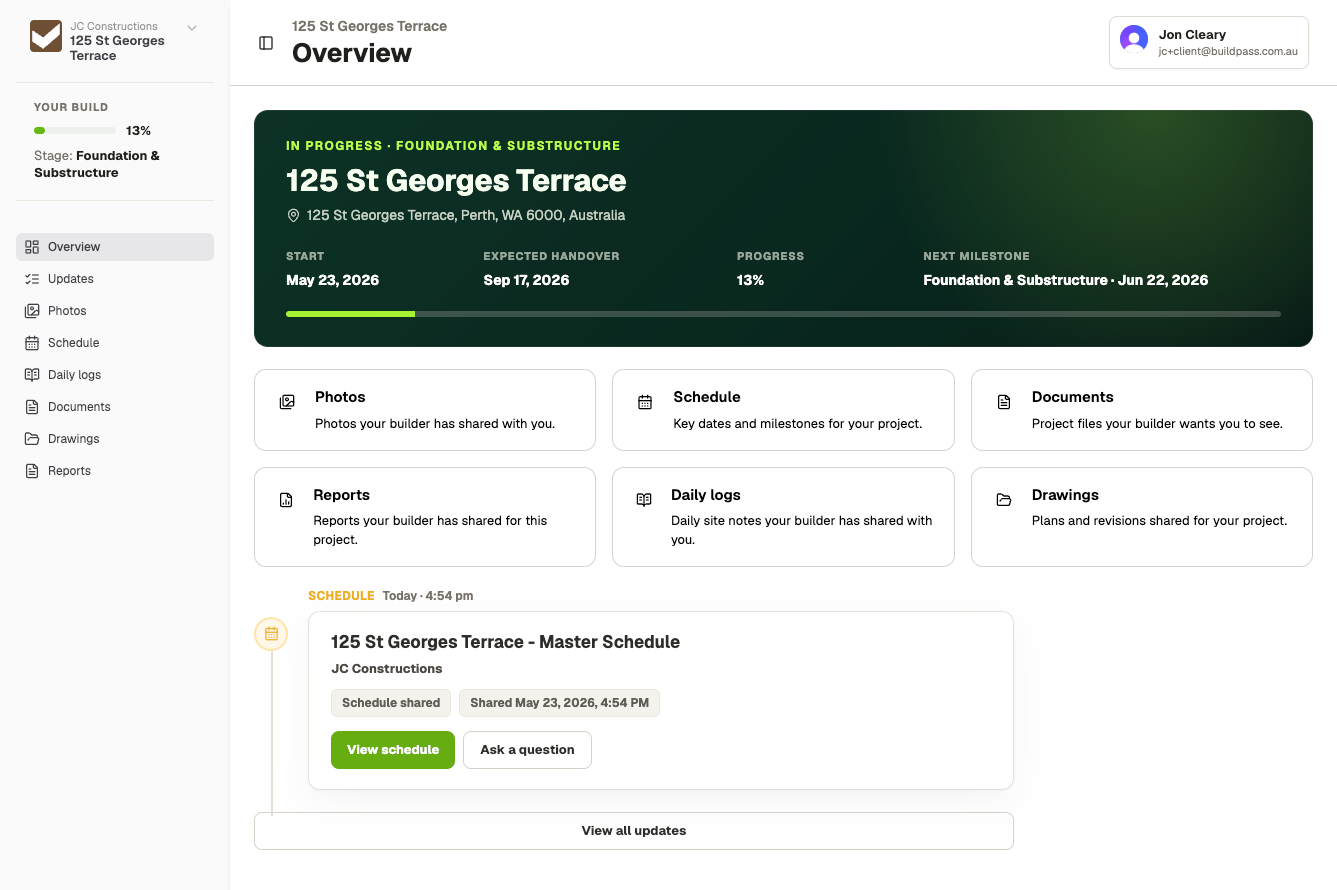
Give clients full visibility on their builds.

Cut the project update calls
Clients self-serve project status, milestones, and shared resources whenever they want.
No more text chains with hundreds of photos
Every photo, drawing, and document lives in the portal. Shared the moment you turn it on.
See who's read what
Per-recipient open tracking on every update. View count and last-viewed on every shared file.
One client login, every project
Including builds they're on with other BuildPass builders. New ones appear the moment you invite them.
Client portals connected to live projects
The portal pulls live from the project your team already runs. No duplicate uploads, no resyncing.
Preview portal view before you send
Sign in as a specific client and walk their portal exactly as they'll see it. Catch mis-shares before they go out.
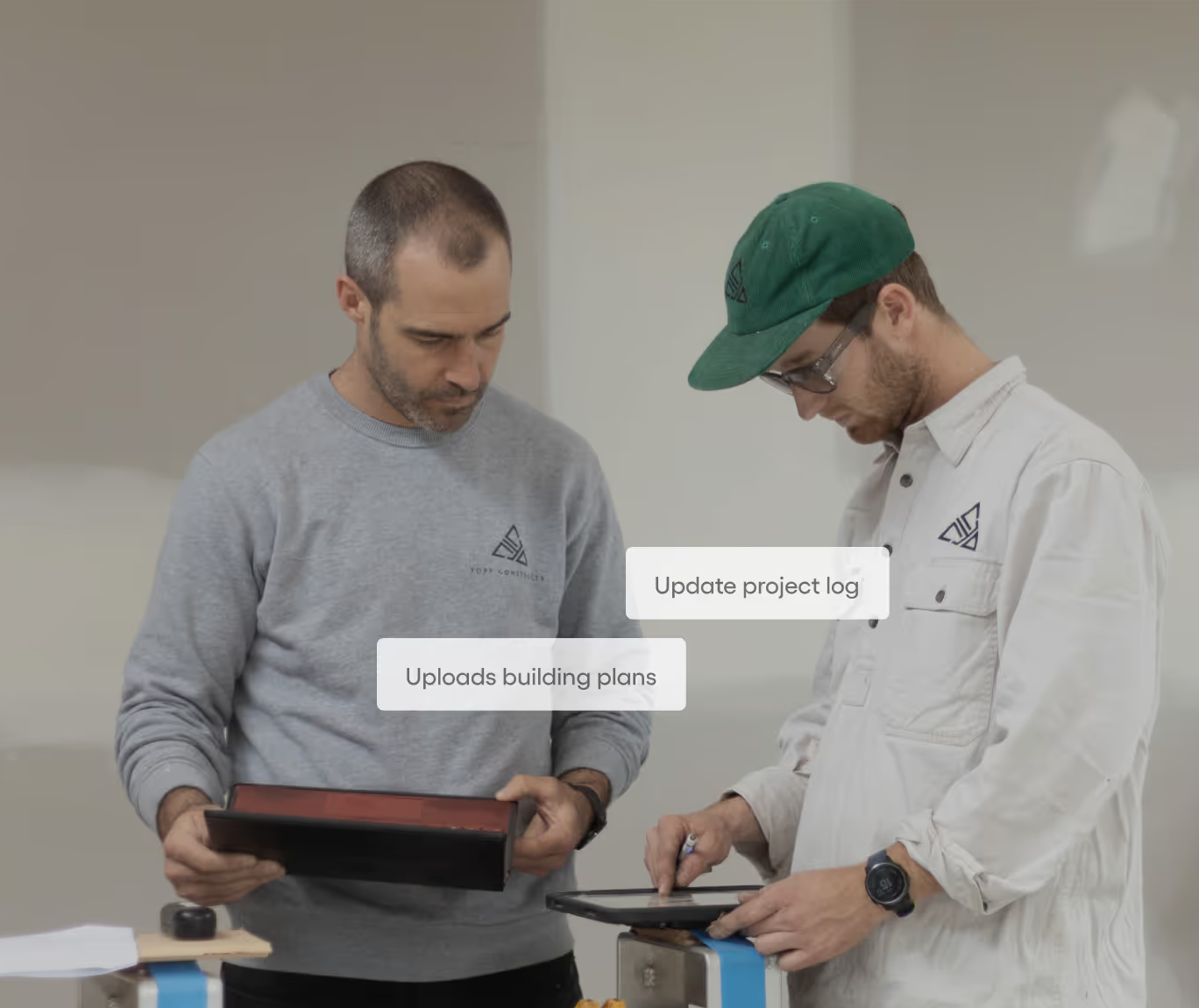
What's in the Client Portal.
From invite to read-tracked update.
- 01
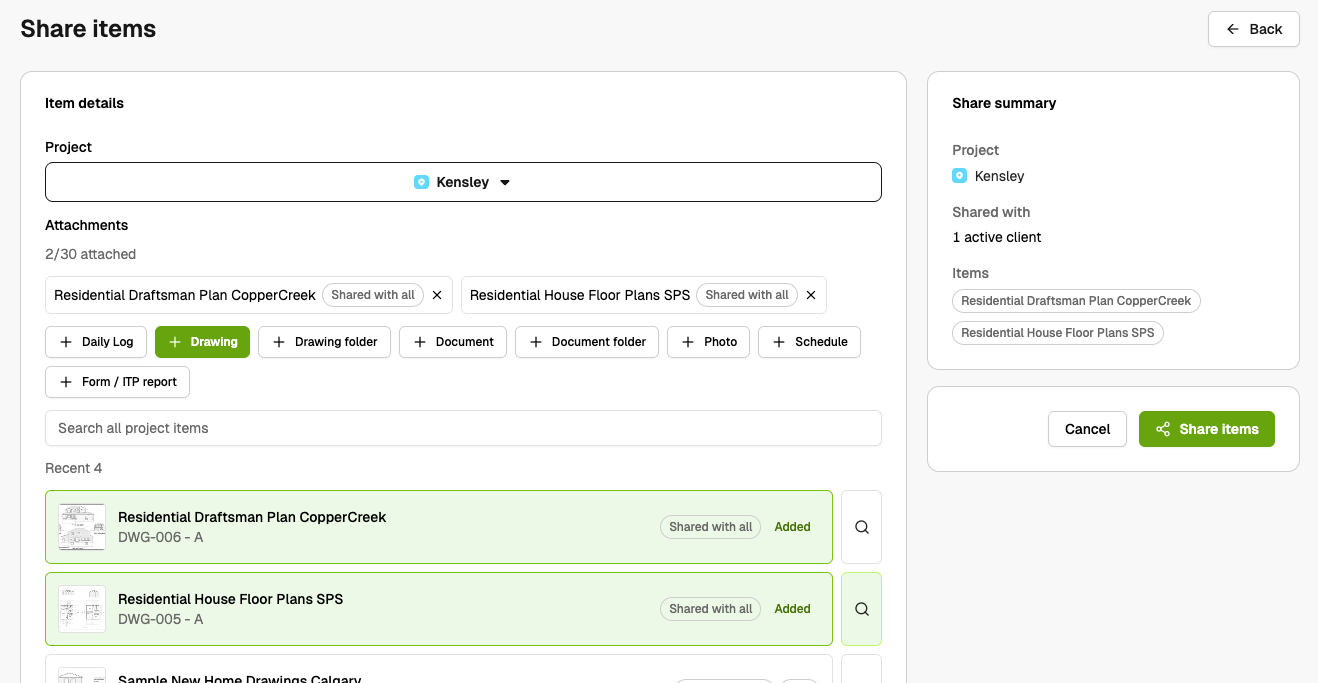
Pick what to share
Photos, drawings, site diaries, schedule, reports, and updates. Per resource, per folder, per client. The default is hidden.
- 02
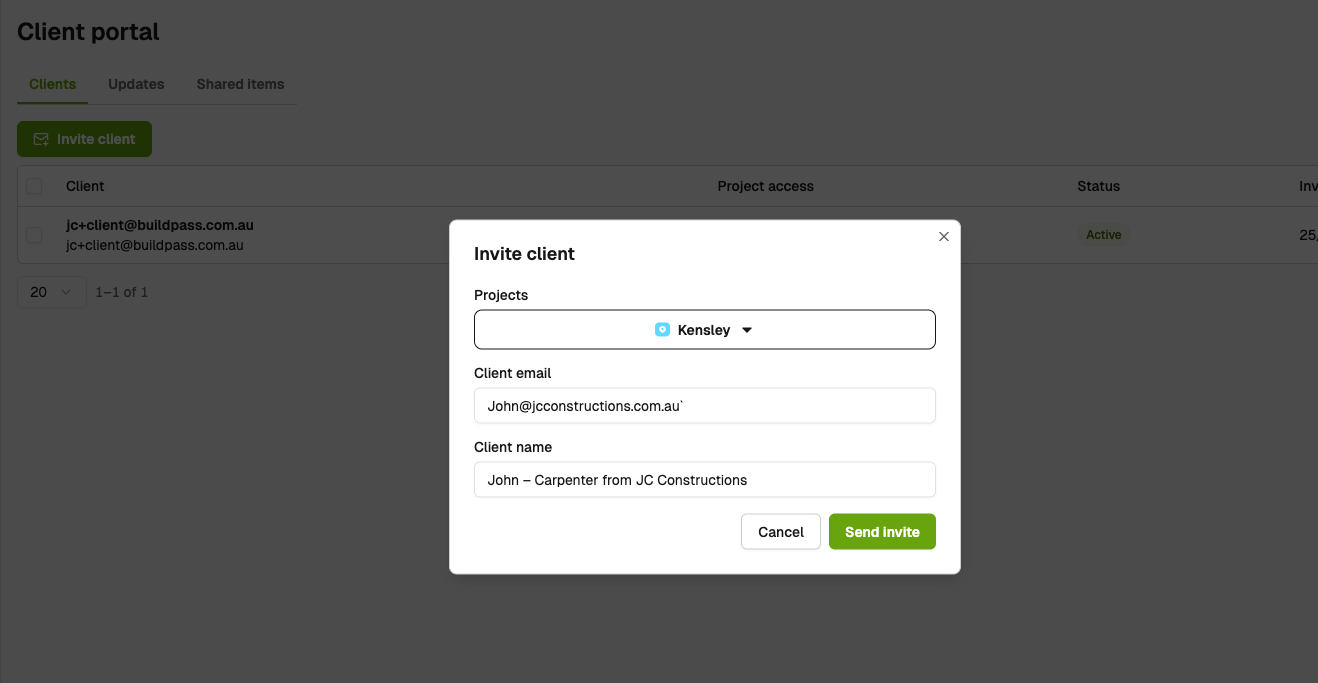
Send the invite
Your client gets an email link. They set a password once. The same sign-in covers every project they're invited to, even across other BuildPass builders.
- 03
Send updates. Track what's read.
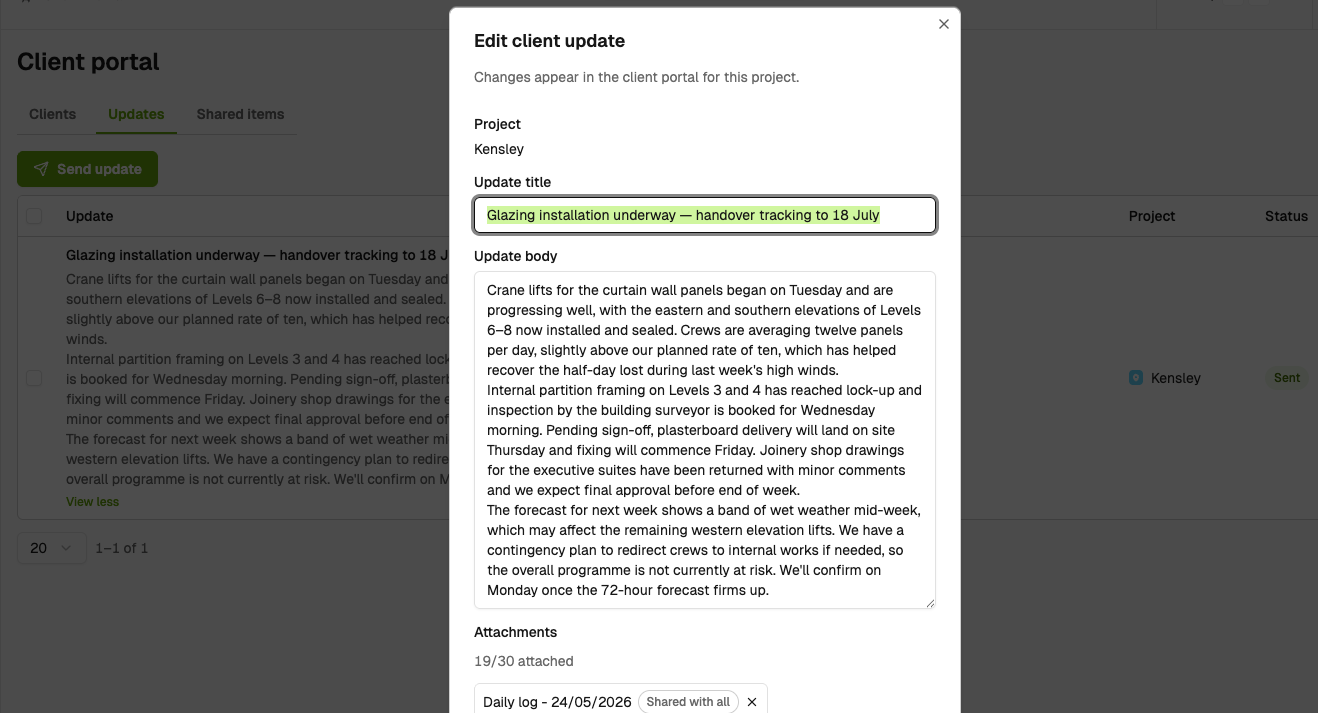
Rich-text updates with photos and drawings attached inline. First view, last view, and view count per client, per update, per file.
Trusted by industry leaders
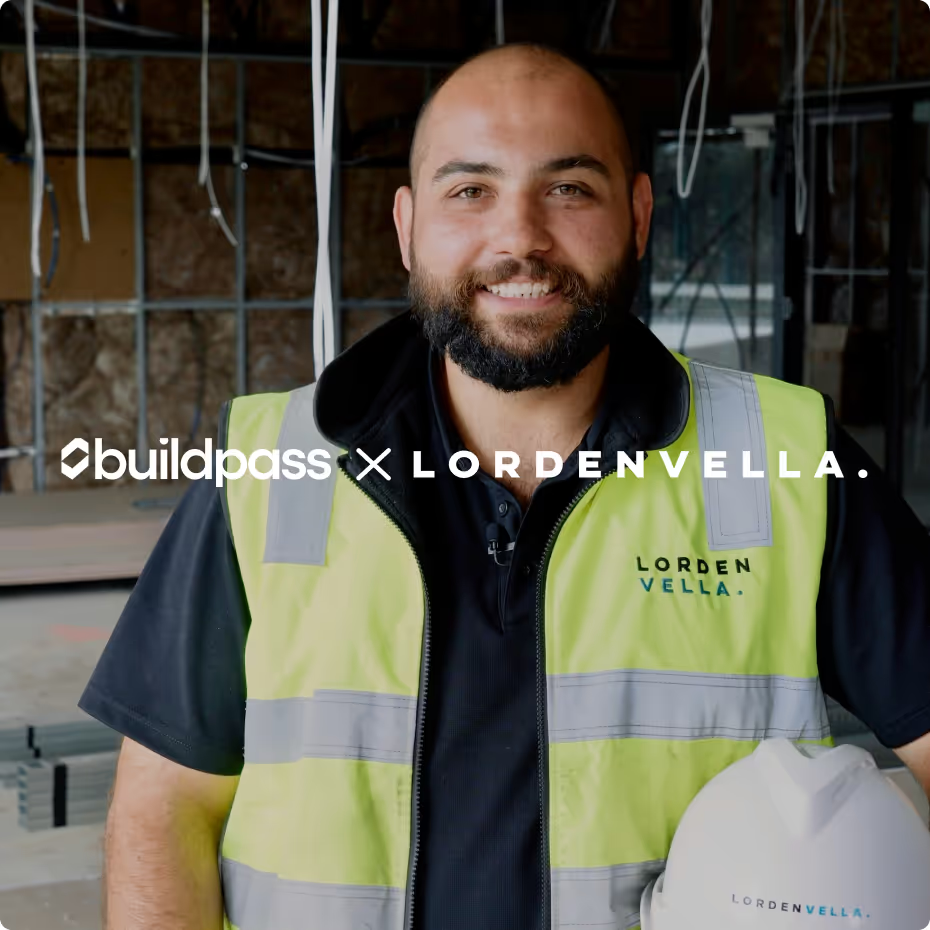
We're passionate about creating lasting relationships with our customers. Discover how leading construction professionals use BuildPass to create smarter, safer sites.




Featured blog posts
See how top builders are transforming their on site operations with BuildPass by streamlining workflows, improving safety, and meeting compliance requirements.

Watch BuildPass's first AI webinar in full, then steal the prompts. Hugh Rayner walks 100+ AU builders from what a model actually is to running Monday morning triage in one message and connecting Claude or ChatGPT straight into BuildPass.
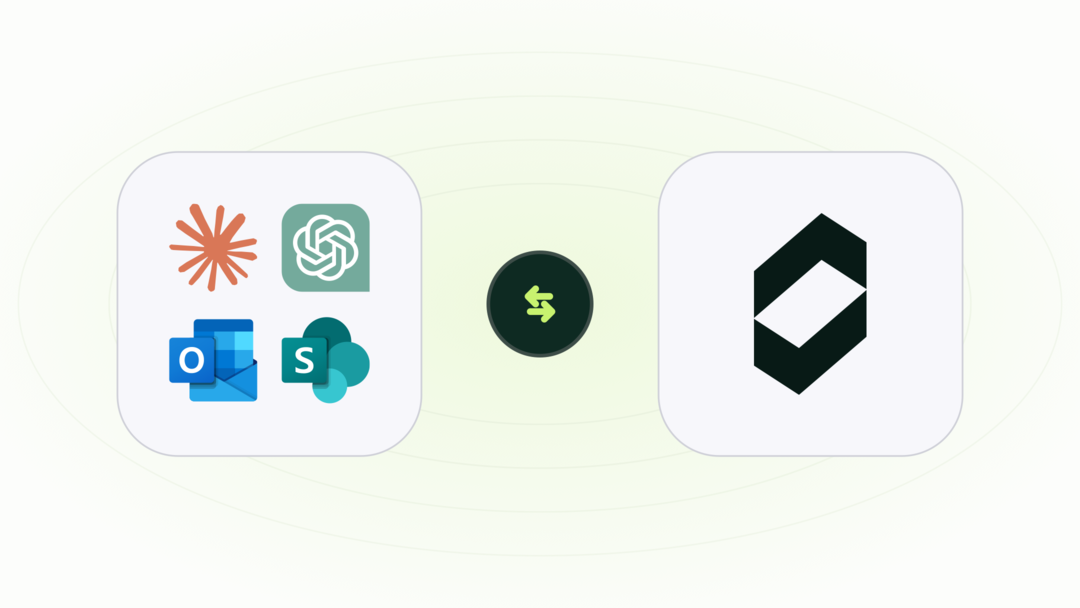
Copy-ready AI prompts for builders, and what comes back when you run them. Build ITPs from a PDF, draft site diaries, chase RFIs and check subbie compliance.
Free Claude skills that work with BuildPass. They learn how you run meeting prep, reports, chasers and morning briefings, then do them your way every time.
Frequently asked questions
A client portal is a read-only web app your clients sign into. They see only what you share: photos, drawings, site diaries, schedule items, form reports, and the updates you publish. BuildPass's Client Portal pulls live from the same project your team already runs, so nothing is duplicated. One sign-in spans every project a client is invited to, including projects with other BuildPass builders.
Whatever you mark as shared. Photos, drawings, documents, site diaries, schedule items, form reports, and the rich-text updates you publish. Each resource is hidden by default. You turn things on per resource or per folder, and you choose whether to share with everyone on the project or with specific clients only.
No. They sign into the portal in any browser: desktop, tablet, or phone. The same sign-in carries them into every project they're invited to, including projects with other BuildPass builders.
Every update tracks delivery and open per recipient. Every shared photo, drawing, document, and report tracks first view, last view, and view count. You can see at a glance who's keeping up and who isn't.
Yes. From the project's Client Portal settings, sign in as a specific client and walk the portal as they'll see it. Use it to sanity-check sharing settings before the invite goes out.
Access stops immediately. Pending invites are cancelled. The audit trail of what they viewed while active stays in the project record.
Subscribe to our monthly newsletter and receive BuildPass news and industry insights you won't want to miss.
By clicking Sign Up you're confirming that you agree with our T&Cs.