

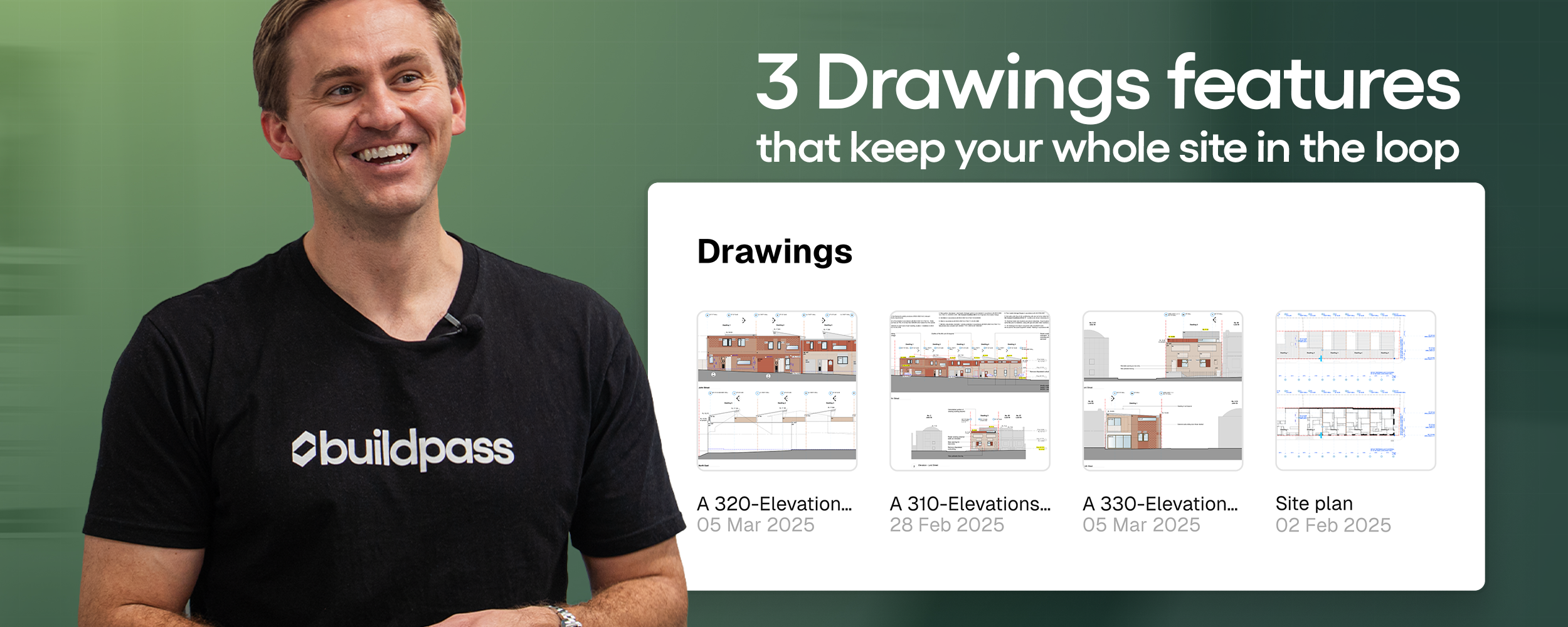
3 Drawings features that keep your whole site in the loop
Missing drawing updates on site? BuildPass CEO Matt Perrott shows how overlays, RFI pins and notifications keep your whole team aligned.

Managing drawing revisions on a busy site is one of those things that looks simple until it isn't. A new set of drawings comes in, someone misses the update, and suddenly a subcontractor is working off the wrong revision.
BuildPass CEO Matt Perrott walks through three features inside the Drawings module that close that gap. Watch the full walkthrough below, or read on for the breakdown.
1. Revision overlays
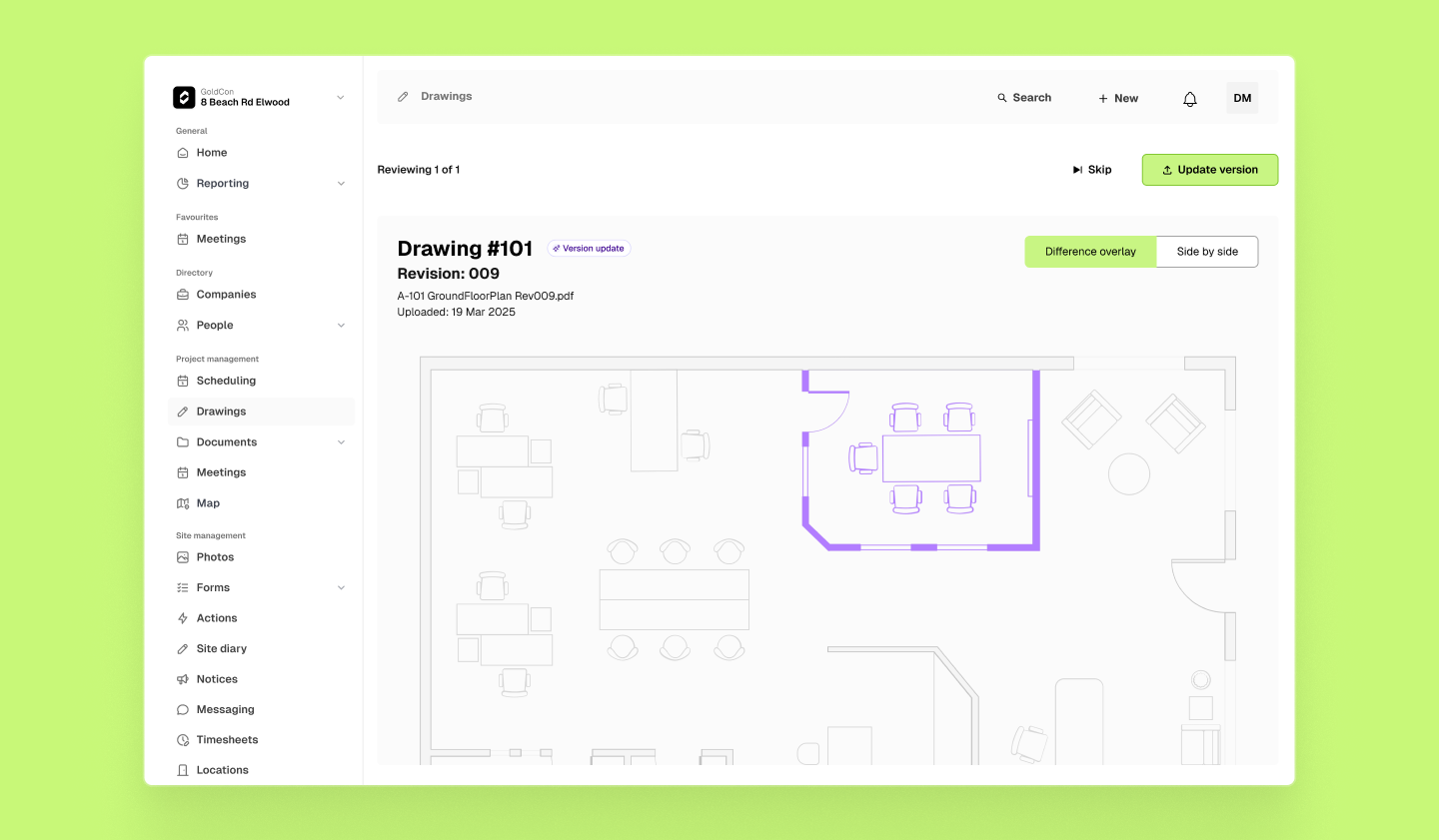
Upload a new set of drawings and BuildPass automatically pulls out the drawing name, number and revision using AI. From there it compares the old and new versions and generates a visual overlay showing exactly what changed — side by side if you need it — along with an AI-generated change summary.
It works on floor plans, elevations, anything. No manual comparison, no missed updates.
This matters because the cost of a missed revision isn't just a redraw — it's rework, delays, and the kind of subcontractor conversation nobody wants to have.
2. RFI pins
See something on a drawing that needs clarification? Drop a pin directly on the relevant spot and raise an RFI right there — respondent, due date, schedule and cost impact, photos if needed. All from your phone.
The RFI stays attached to that exact pin on the drawing, so context never gets lost. No more screenshot chains in WhatsApp, no more wondering which revision a question was raised against.
3. Drawing notifications
When drawings change, the right people need to know. BuildPass lets you set up notifications per drawing or across a full set, targeted at internal users, specific companies, or groups. The moment changes are confirmed, they go out automatically.
No manual follow-up. No one working off the wrong revision.
Coming soon: Smart Notify, which connects drawing change notifications directly to your construction schedule — so the people affected by a change get notified based on when their work is due, not just when the drawing was updated.
Why drawing management matters on site
Construction drawings are a living document. They change throughout the life of a project — sometimes daily on complex builds. Every time a revision goes unnoticed, it creates risk: rework, delays, compliance issues, and disputes.
The old approach — emailing PDFs, printing and pinning, relying on someone to remember to update everyone — doesn't scale. It relies too heavily on individuals to close the loop manually.
A centralised construction drawings management system removes that reliance. Every update is captured, compared, and communicated automatically.
What else is inside BuildPass Drawings
The three features above are part of a broader drawings management system built for how sites actually work. Other capabilities inside the module include:
- Bulk upload with AI-powered naming — drawing name, number and revision detected automatically
- Version control — updated files automatically replace older drawings, with full version history retained
- Side-by-side viewer — scroll and zoom in sync to compare revisions in detail
- Worker access — drawings shared via the worker portal or a public link, accessible from any mobile device without the app
- Search and filter — find what you need fast across large drawing sets
- Read receipts — see who has viewed updated drawings
Everything is connected to the rest of your site management workflow in BuildPass — so drawings, RFIs, scheduling, and workflows all live in the same place.
Ready to see it in action?
If your team is still managing drawing revisions manually — or relying on email chains to notify subcontractors — BuildPass Drawings is worth a look.
Book a demo and we'll walk you through how it works for your site.
More news you'll care about
Don't stop there, the BuildPass blog is filled with interesting insights and innovations that'll help you and your construction business stay ahead of the pack.