Build

Start every project from your Adaptive jobs

Sign in to Adaptive and bring your jobs and vendors into BuildPass as projects and companies, matched to the records you already have.

Adaptive
BuildPass
  • Jobs
  • Vendors
  • Matching
  • Bulk import

Trusted by builders across the country

Vaughan Constructions
Hicon
JCGAU
Turn Group
Saw Constructions
Rendine Group
Vaughan Constructions
Hicon
JCGAU
Turn Group
Saw Constructions
Rendine Group
Universal Constructions
McColl Smith Projects
Peach
Staark
Creador Interiors
ARC Projects
Mancini Made
Sense Projects
Universal Constructions
McColl Smith Projects
Peach
Staark
Creador Interiors
ARC Projects
Mancini Made
Sense Projects

How it works

Step 1

Sign in to Adaptive

Connect with your Adaptive login and choose the workspace BuildPass works from.

Step 2

Match jobs and vendors

Link Adaptive jobs to BuildPass projects and vendors to companies. BuildPass looks for a match before it creates anything new.

Step 3

Bring them across in bulk

Select as many jobs or vendors as you need, check each proposed connection and sync them together.

What you get

Projects and companies set up in minutes

Your Adaptive jobs and vendors become the starting point for every BuildPass project.

See all integrations
  • Adaptive jobs become BuildPass projects and vendors become companies
  • BuildPass finds existing matches before creating anything new
  • Sync dozens of records at once, with a preview of every connection
  • Filter to the jobs and vendors still to connect
  • Disconnect a vendor and the company stays in BuildPass with everything it has sent

Trusted by builders who run their projects on BuildPass

From custom-home builders to commercial head contractors, teams across Australia and New Zealand run their projects on BuildPass every day.


The onboarding process and training we received from the BuildPass team was fantastic.
Nick Du Bois
Managing Director, FORA
These checklists ensure our standards are consistently met, no matter the project.
Mark Riley
Site Supervisor, Turn Group
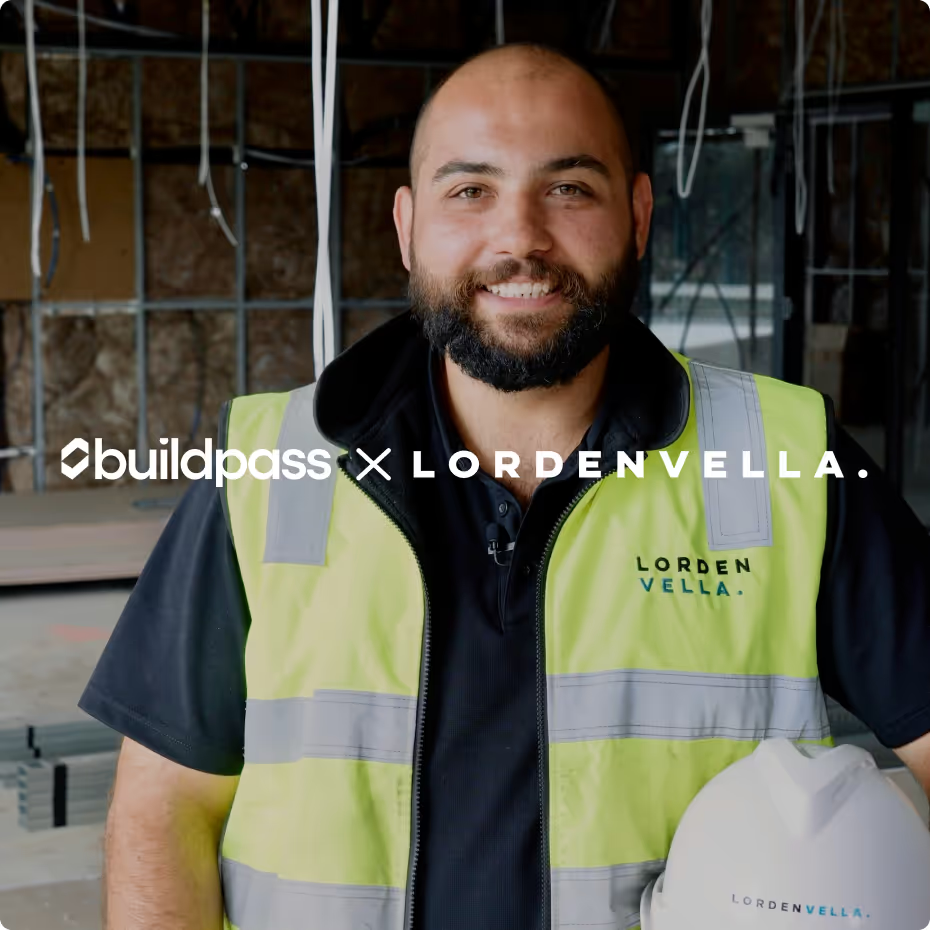
I'd recommend BuildPass to any builder, sub contractor or site manager. It just makes your life easier.
Garath Vella
Director, Lorden Vella

Frequently asked questions

An Owner or Manager selects Connect on the Adaptive card under Settings, Integrations, signs in to Adaptive and chooses the workspace BuildPass should work from.

Yes. Link each Adaptive job to an existing BuildPass project, or create a new one. BuildPass looks for a match first.

Yes. Select several jobs or vendors, review the proposed BuildPass connection for each, and sync them together.

Yes. Win & Pay, BuildPass's finance product, connects to Xero and QuickBooks Online and sends approved bills and invoices straight across.

See Adaptive and BuildPass working together

We'll walk through connecting your Adaptive workspace and bringing your jobs across on a call.