
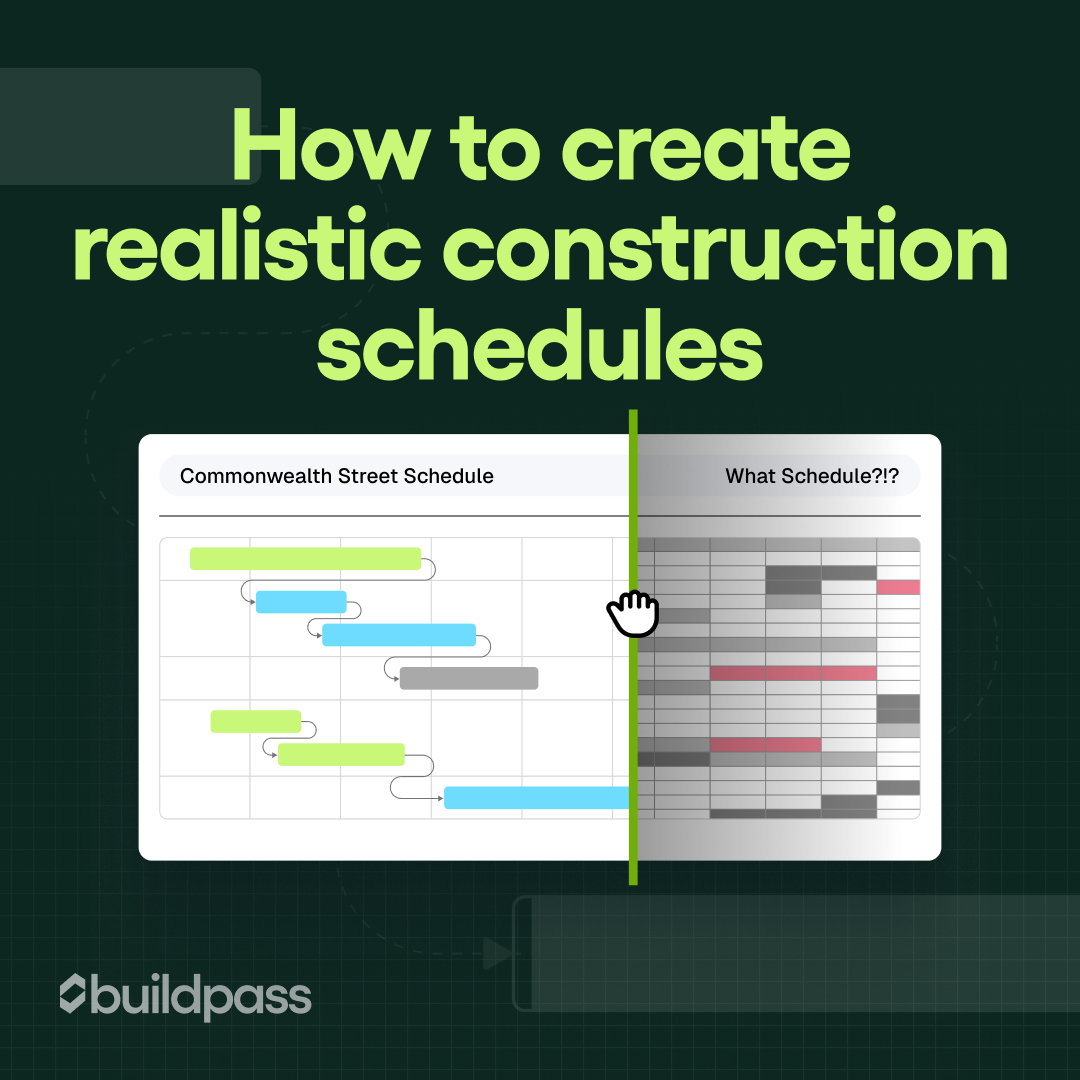
How to create realistic construction schedules
A practical guide to building realistic construction schedules, avoiding common delays, and using BuildPass to plan, track, and adapt projects in real time.

In North America, 98% of construction projects face delays, according to Buildern's 2026 project delays report. That stat might sound shocking to some, but if you've spent any time on a job site, it probably isn't surprising. Many construction schedules often look good on paper. Then the project starts, and within the first couple of weeks things quickly begin to shift. Materials arrive late. The weather throws off the timeline. Subcontractors get pulled onto another job.
The reality is that most construction schedules don't fail because the team didn't plan. They fail because the plan wasn't built for the reality of how the job site operates.
In this blog, we'll break down what goes into a realistic construction schedule, the common mistakes that cause timelines to fall apart, and how to create a schedule that can actually survive the day-to-day realities of a job site. We'll also look at how construction scheduling software can help teams plan smarter, not harder.
The foundations of a realistic construction schedule
A construction schedule is only as good as the information it's based on. Before putting dates into a Gantt chart, make sure your foundation is solid.
Start with scope clarity. Make sure every trade, milestone, and deliverable is defined and accounted for. If something isn't documented in the plan, it will get missed, and your schedule will crumble the moment reality hits.
Next, factor in weather and lead times. A week of rain isn't a surprise in most regions, and ordering materials with unrealistic delivery expectations is a guaranteed way to fall behind. Build in buffers to cover the unpredictable.
Subcontractor availability is another critical piece. You might have lined up framing crews, but if they're tied to another project, your schedule will slip. Confirm commitments and include contingency time for delays.
Finally, don't forget approval buffers. Drawings, permits, or inspections can take longer than expected. Schedule time for reviews so that approvals don't stall your next steps.
Common scheduling mistakes builders make
Even experienced teams slip up. Watch out for:
- Over-optimism: Assuming everything will go perfectly is a recipe for delays. Include realistic float time.
- Ignoring dependencies: Tasks like drywall can't start before electrical inspections. Map out the sequence.
- Underestimating task durations: Teams often think a job will take fewer hours than it actually does. Always buffer your estimates to account for changing conditions.
- Skipping reviews: Foremen, subcontractors, and site managers can flag conflicts before the project begins.
- Overloading crews: Trying to run too many tasks at once stretches teams thin and increases the risk of errors.
- Not tracking progress daily: If you only check in weekly, small delays can snowball. Daily updates catch issues early.
- Poor communication: If everyone isn't aware of schedule changes, mistakes happen. Centralize updates so the team is always on the same page.
How to create a construction schedule
Building a solid construction schedule takes upfront thinking. Get the structure right from the start and the rest is easier to manage.
Step 1: Define the scope clearly
Before you open a schedule, make sure every task, milestone, and deliverable is accounted for. Gaps at this stage become delays later. The more specific you are about what "done" looks like for each piece of work, the less room there is for miscommunication down the line.
Step 2: Build your hierarchy
Break the project into phases, then break each phase into individual tasks. Milestones mark the moments that matter: permits issued, structure topped out, handover ready. Most scheduling tools, including BuildPass, reflect this three-layer structure. Getting it right upfront means the schedule is readable by everyone on the project, not just the person who built it.
Step 3: Set dependencies
Some tasks can't start until others finish. Mapping these relationships is where a schedule stops being a list and starts being a plan. Common dependency types include finish-to-start, start-to-start, and finish-to-finish, and most projects use a mix. The discipline here matters more than the software: if your dependencies are wrong, cascading them automatically just makes the wrong schedule faster.
Step 4: Estimate durations realistically
Construction schedules fail most often at this step. Labor availability, crew skill levels, site conditions, and weather all affect how long work actually takes. Build in float on tasks that carry the most risk. A schedule with no buffer isn't a plan, it's a wish list.
Step 5: Assign ownership and get confirmation
Every task needs a clear owner. When responsibility isn't explicit, accountability disappears. In BuildPass, published schedules notify assignees automatically, and each person can confirm their tasks via a live link without needing a login. But the principle applies regardless of the tool: the person doing the work should know they're doing it, and when.
Step 6: Include approvals and inspections
Factor in time for permits, quality checks, and inspections. These often take longer than you think and skipping these steps in your schedule can cause major delays.
Step 7: Monitor and adjust daily
Even the best planned construction schedules can face delays that are out of your hands. Check progress daily, update task completion, and adjust the timeline when issues arise. When things change, as they always do, BuildPass's construction software tool will send notification to your sub to keep them in the loop.
How software can help (and where it can't)
Platforms like BuildPass can help make construction scheduling more manageable and keep the team on the same page. With BuildPass, you can:
- Build a customized construction schedule in minutes
- Assign tasks to subcontractors and team members
- Set automated reminders, notifications, and confirmations
- Update progress in real time from a phone or tablet
- Upload project files, photos, or even describe your project to generate a schedule instantly
- Drag, drop, and adjust tasks, phases, or milestones as the project evolves
- Share a live schedule with your team so everyone sees updates immediately
But software won't fix a poorly planned schedule. Realistic tasks, durations, and dependencies are still very much up to you.
Book a demo today!
More news you'll care about
Don't stop there, the BuildPass blog is filled with interesting insights and innovations that'll help you and your construction business stay ahead of the pack.