
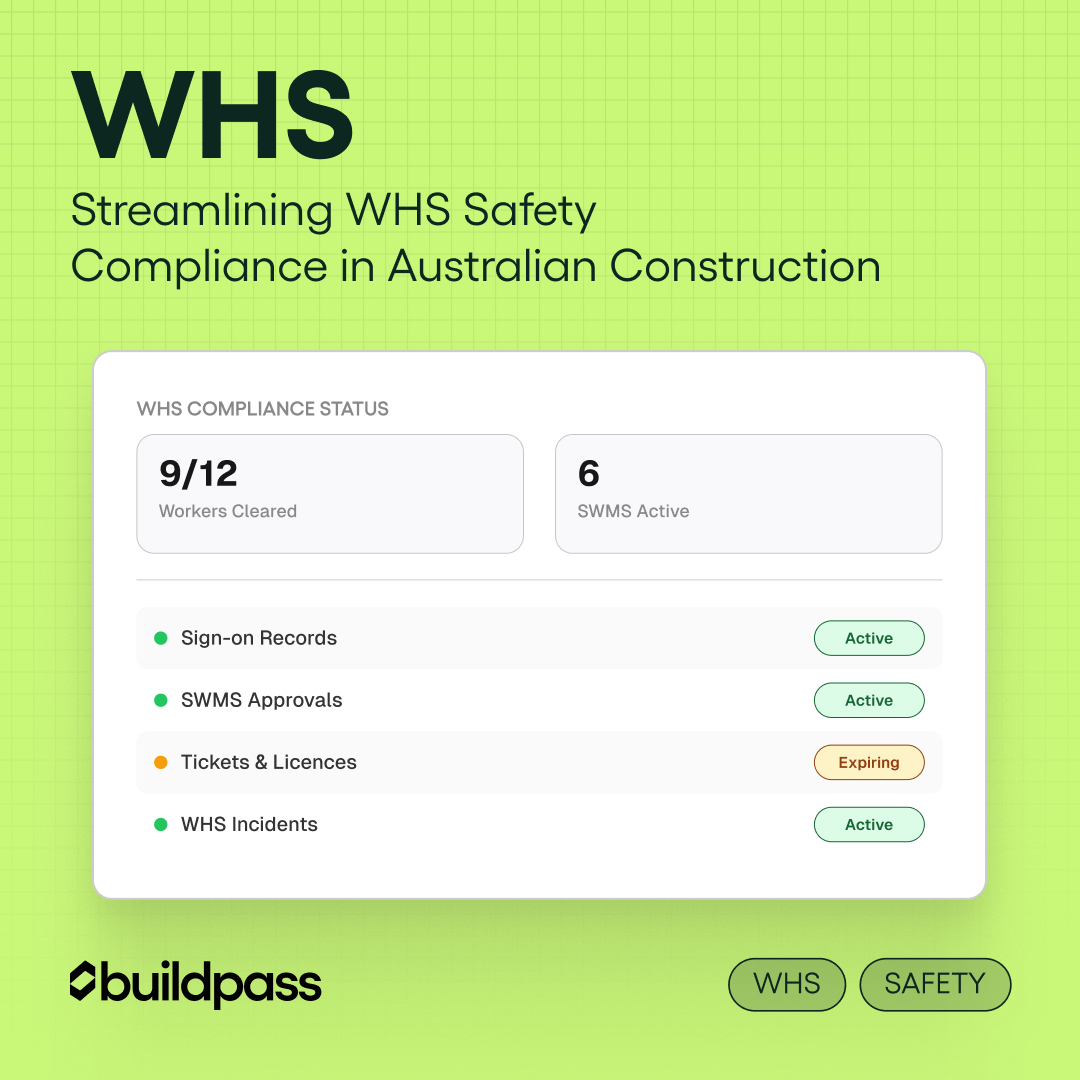
Streamlining WHS Compliance in Australian Construction
A practical guide to WHS compliance on Australian construction sites. See how construction safety software cuts paperwork and keeps sites audit-ready.

If you're running a construction site in Australia, the WHS paperwork load doesn't slow down for anyone. SWMS, inductions, permits, tickets, incident reports. The list is long, the regulator doesn't mess around, and one slip is enough to stop work.
The site keeps moving. Subbies turn up. Tasks shift. Weather rolls through. Safety compliance is meant to keep up, but for most teams it's still scattered across clipboards, emails, and shared folders nobody opens.
This article covers what WHS actually requires from construction PCBUs, where compliance tends to break down, and how the right construction safety software helps you run a tighter site without adding to your admin load.
What WHS requires on a construction site
In Australia, construction safety sits under the model Work Health and Safety (WHS) Act 2011, enforced by state and territory regulators like SafeWork NSW, WorkSafe Victoria, and Workplace Health and Safety Queensland. Victoria operates under its own OHS Act, but the duties land in similar places.
The day-to-day duties for a PCBU on a construction site:
- Hazard identification and control. Identify hazards, assess risks, and put controls in place. The hierarchy of control applies: eliminate first, then substitute, isolate, engineer, admin, PPE last.
- High-risk construction work (HRCW). Any of the 18 categories listed in the WHS Regulations requires a SWMS before work starts.
- Site induction. All workers must be inducted before they step on site, including site-specific hazards and emergency procedures.
- Worker tickets and competencies. White cards, high-risk work licences, plant tickets, all current and recorded.
- Incident reporting. Notifiable incidents reported to the regulator immediately, with records kept for at least five years.
- Consultation. Workers must be consulted on health and safety matters that affect them.
- Records. Inductions, SWMS, risk assessments, training, plant inspections, all maintained and accessible.
Penalties for category 1 offences under the WHS Act run into the millions for body corporates, with individuals facing jail time. The cost of getting this wrong dwarfs the cost of getting it right.
Where compliance usually breaks down
Most builders aren't failing because they don't know the rules. They're failing because the system was built for a different era.
The recurring issues:
- Inductions completed on paper, then misplaced
- SWMS that never get reviewed before high-risk work starts
- Subbie insurances and tickets that quietly expire mid-project
- Toolbox meetings that happen but don't get logged
- Incident reports written days late, if at all
- Multiple sites running their own version of the same process
When a regulator turns up, or something goes wrong, the gap between "we do this" and "we can prove we did this" is where projects get hurt.
How construction safety software keeps your site audit-ready
Compliance gets easier when the system fits the way a site actually runs.
Step 1: Centralise every safety record
Inductions, SWMS, permits, tickets, insurances, SDS, and inspections in one digital hub. One source of truth instead of six folders and an inbox.
Step 2: Run it on mobile
Site teams aren't at a desk. Forms, sign-ons, inspections, and SWMS reviews need to work on a phone or tablet, with offline access for sites that have patchy coverage.
Step 3: Automate reminders
Expiring tickets, lapsed insurances, overdue inspections, untracked toolbox meetings. The system should flag these before they become a problem at audit.
Step 4: Build approval into the workflow
SWMS get reviewed and signed before high-risk work starts. Permits require sign-off. Pre-task checks happen before the tool goes on. A good construction safety management app handles this without anyone chasing it.
Step 5: Track who's on site
Sign-ons linked to induction status mean nobody walks on without being cleared. If an incident happens, you know exactly who was where, when.
Step 6: Keep records that are audit-ready
When the regulator turns up, pull what they ask for in minutes. Digital storage with timestamps makes that the default, not a fire drill.
How BuildPass helps Australian builders stay WHS compliant
BuildPass is built around how Australian construction sites actually run.
Workers complete their site induction by scanning a QR code, upload their tickets and licences, and sign on through the app. SWMS are built using the interactive SWMS Builder, reviewed against a checklist, and signed digitally before high-risk work starts. Toolbox meetings, safety inspections, permits, and incidents are all logged with timestamps and stored against the project.
For builders running multiple sites, the dashboard rolls up compliance status across every project. You can see who's cleared, which SWMS need review, which insurances are about to lapse, and which inspections are overdue, without ringing a site manager.
Less paperwork. Tighter sites. Better visibility for the people who need it.
Picking the right construction safety software
Not every safety tool is built for Australian construction. When shortlisting:
- Mobile-first design. Site teams won't use desktop-only tools.
- AU-aligned templates. SWMS, permits, and inductions that match what state regulators expect.
- Subbie access. Subbies upload their own docs through the app.
- Real-time visibility. One dashboard across every site.
- Ticket and insurance expiry tracking. Documents flagged before they lapse.
- Audit trail. Timestamped records of inductions, SWMS, and incidents.
If a platform forces site teams to change how they already work, it'll get ignored. The best safety software for construction makes compliance the easier path, not the harder one.
Frequently asked questions
How do I keep my construction site WHS compliant without piling on admin?
Move your safety records, inductions, SWMS, tickets, and inspections into one digital system. Construction safety software automates reminders, captures sign-offs, and keeps everything audit-ready. The admin shrinks because the work happens once and stays where you need it.
What does WHS actually require from construction PCBUs?
PCBUs must identify hazards, control risks under the hierarchy of control, induct workers before they're on site, prepare SWMS for high-risk construction work, keep current tickets and licences, consult workers on safety matters, report notifiable incidents, and maintain records. The detail sits in the WHS Act 2011 and the state-based regulations.
How do I manage WHS compliance across multiple construction sites?
Use a centralised construction safety management platform with a single dashboard across every site. You should be able to see induction status, SWMS approvals, ticket expiries, and inspection schedules at a glance, without ringing site managers.
What records do I need to be ready for a WHS audit?
At a minimum: inductions, SWMS, permits, tickets and licences, insurances, SDS, plant inspections, incident reports, toolbox records, and risk assessments. Keep them organised by project, timestamped, and accessible on a phone or tablet so you can pull them quickly.
What's the best construction safety software for Australian builders?
The right choice depends on the size of your operation and how your sites run. Look for mobile-first design, AU-aligned templates, subbie upload access, expiry tracking, and real-time visibility across all your sites. BuildPass is built for builders running 5 to 20 projects, not Tier 1 enterprise contractors with dedicated IT teams.
Book a demo today.
More news you'll care about
Don't stop there, the BuildPass blog is filled with interesting insights and innovations that'll help you and your construction business stay ahead of the pack.