
The key components of a construction site orientation
A clear guide to construction site orientations, covering must-have components, common risks, and how BuildPass helps digitize, track, and improve site safety and compliance.

Before anyone sets foot on your site, they need to know the rules. Not because it's a box-ticking exercise. The moment someone walks onto a jobsite without understanding the hazards, your emergency procedures, or where they can and can't go, you've already lost control of your safety program.
Site orientations are the foundation. Get them right and you're building a site where people know what to do, who to call, and how to stay safe. Get them wrong, or skip them altogether, and you're managing incidents instead of preventing them.
In this guide, we'll cover what makes a strong construction site orientation, the components every orientation must include, the gaps that put projects at risk, and practical steps to run them well. We'll also look at the difference between paper and digital orientations, and share a simple example of how to digitize your process.
Why site orientations matter
A site orientation introduces workers, contractors, and visitors to the specific rules, hazards, and expectations of your site. Done properly, everyone who steps on site knows:
- How to identify and avoid site-specific hazards
- Who to report incidents to
- Where emergency equipment and exits are
- What PPE is required
- Which areas are accessible and which are restricted
Even experienced crews need this. Sites change constantly. Hazards that weren't there last week might be there today.
What every orientation must cover
At a minimum, a site orientation should address:
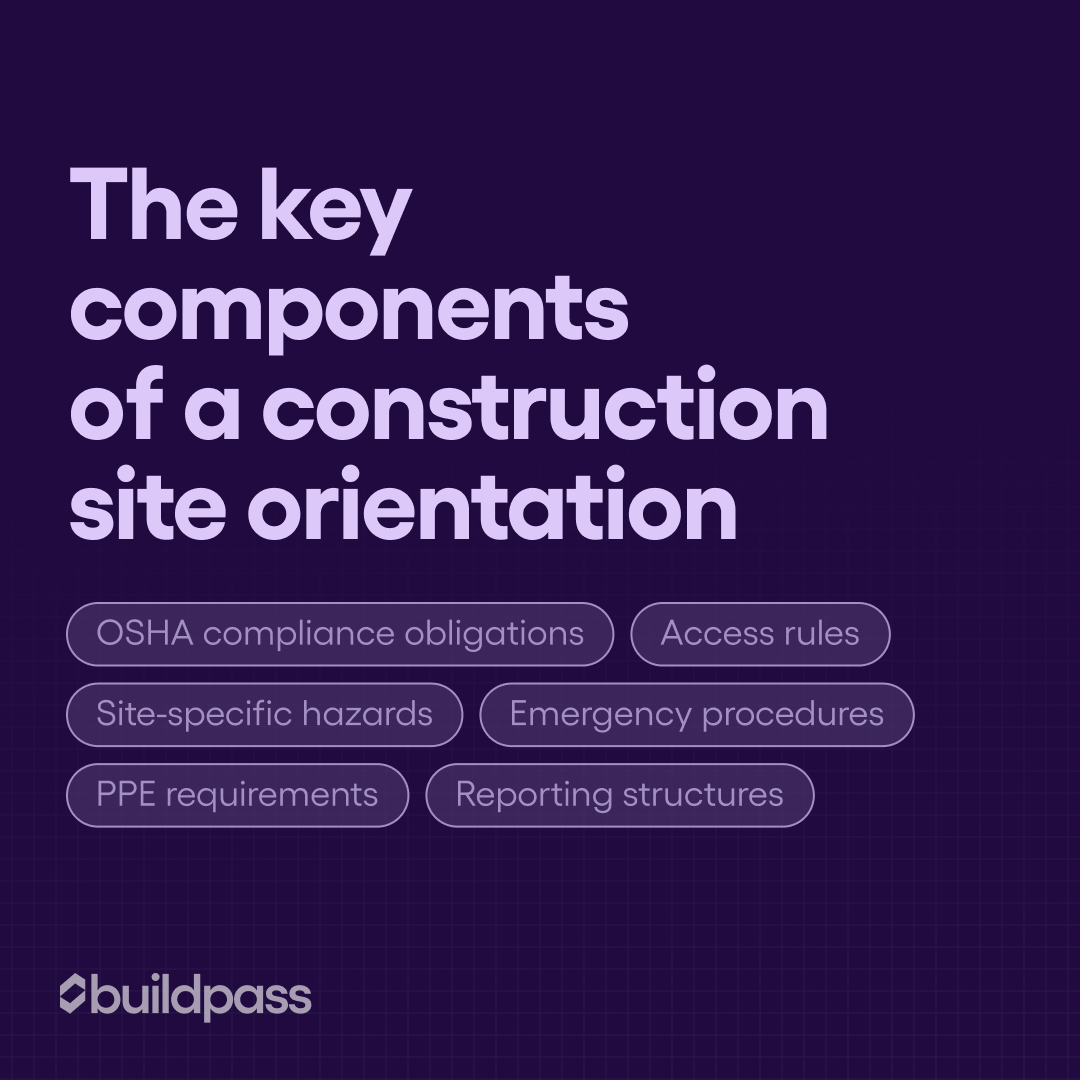
- OSHA compliance obligations, so everyone understands the legal requirements for the jobsite.
- Site-specific hazards. Not generic safety content, but the actual risks unique to this project and this phase of work.
- Emergency procedures, including assembly points, evacuation routes, and first aid contacts.
- Access rules: where workers, visitors, and vehicles can go, and where they can't.
- PPE requirements. The right gear for the right zones, clearly communicated.
- Reporting structures: who workers contact if something goes wrong, if they spot a hazard, or if they have questions.
Common gaps that put projects at risk
Even when orientations happen, they don't always land. The most common problems:
- Rushing through it. When you're trying to get crews on the tools, orientations get compressed. Site-specific hazards get skipped. Workers end up with generic safety info that doesn't reflect the actual conditions on the ground.
- Not updating when conditions change. A site orientation written at the start of a project doesn't cover what's true in month six. If your orientation content isn't kept current, it's working against you.
- No tracking. If you can't confirm who's completed the orientation, or when, you have a compliance gap you can't close.
- Paper forms that disappear. Physical sign-in sheets get lost, aren't accessible for audits, and give you no visibility into the field.
How to run an orientation efficiently
Step 1: Focus on what each person actually needs to know
A thorough orientation doesn't have to take half a morning. Cover the essentials: safety basics, site rules, and emergency procedures. Cut anything that isn't directly relevant to the person in front of you. Role-specific content matters more than an exhaustive general briefing.
Step 2: Break it into clear sections
Structure the session so it's easy to follow: start with general safety, move to site-specific rules, then cover emergency procedures. A logical flow keeps people engaged and helps information stick.
Step 3: Make it interactive
Talking at your team is the least effective way to run an orientation. Use demonstrations, visuals, or brief activities. Workers who engage with the content retain it, and retention is the whole point.
Step 4: Track completions in real time
Log attendance and acknowledgment immediately. Don't rely on memory or a paper pile to confirm who's been oriented. Digital tools give you a live view of who's completed their orientation and who still needs one.
Paper vs. digital orientations
Paper orientations are still common on construction sites, but they come with real problems. Forms get buried in the site office. Updating procedures takes time no one has. Tracking completions means chasing down sign-in sheets that may or may not reflect what actually happened.
Digital site orientation software solves these problems:
- Workers can complete orientations on a phone or tablet before they even arrive on site. Fewer delays, faster mobilization.
- Managers get instant visibility into who has and hasn't completed the orientation, making compliance reporting straightforward.
- Updates push instantly. If emergency procedures or hazard information changes, the whole team sees the current version. No outdated forms in circulation.
- Interactive elements improve retention. Photos, videos, and knowledge checks make orientations more than a formality.
How to digitize your site orientation process
Digital orientation platforms like BuildPass let you build site-specific orientations with custom forms, checklists, and automated reminders. When a worker completes their orientation, the system logs it and makes that data immediately accessible for audits, compliance checks, or your own records. No chasing, no paperwork pile.
Book a demo today!
Frequently asked questions
How can I digitize my construction site safety orientations?
Choose a platform that lets workers complete orientations on a phone or tablet, integrates hazard checklists, and logs completions automatically. Look for automated reminders for re-orientations or refresher sessions as project conditions change.
How do I ensure compliance with site orientations?
Consistency and documentation. Every worker completes the same orientation. Updates are logged. Attendance is tracked digitally. Spot checks help reinforce accountability over the life of the project, not just at the start.
What are the essential steps for a construction site orientation?
Start by welcoming everyone and explaining what the session covers. Walk through site hazards, then emergency procedures. Review PPE requirements and outline where people can and can't go. If relevant, demonstrate any safety equipment workers will be using. Close by confirming understanding through a Q&A or a digital acknowledgment.
What's the most efficient site orientation process?
Keep sessions focused on what's relevant, use visual aids, and track completions digitally. Efficiency means delivering the right information clearly, not cutting corners on content.
More news you'll care about
Don't stop there, the BuildPass blog is filled with interesting insights and innovations that'll help you and your construction business stay ahead of the pack.