
BuildPass vs Buildertrend

BuildPass vs Buildertrend

BuildPass runs preconstruction, jobsite operations and finance in one platform. Buildertrend is residential construction management for home builders and remodelers, focused on sales and the homeowner experience. This page compares the two on jobsite safety and sign-in, pay applications, quality and AI.

Why contractors choose BuildPass

Buildertrend and BuildPass both run a job from estimate to invoice. The difference is the jobsite. Buildertrend has no orientations, JHAs or sub sign-in, and its quality tools stop at punch lists. BuildPass runs safety, jobsite access and quality on the same job as the pay application.

01
One platform, three stages

Winning the work, running the jobsite and getting paid happen in one system. Estimates, bids, buyout, jobsite delivery, quality, budgets, change orders and pay applications share the same jobs and the same people.

02
Built for the people on site

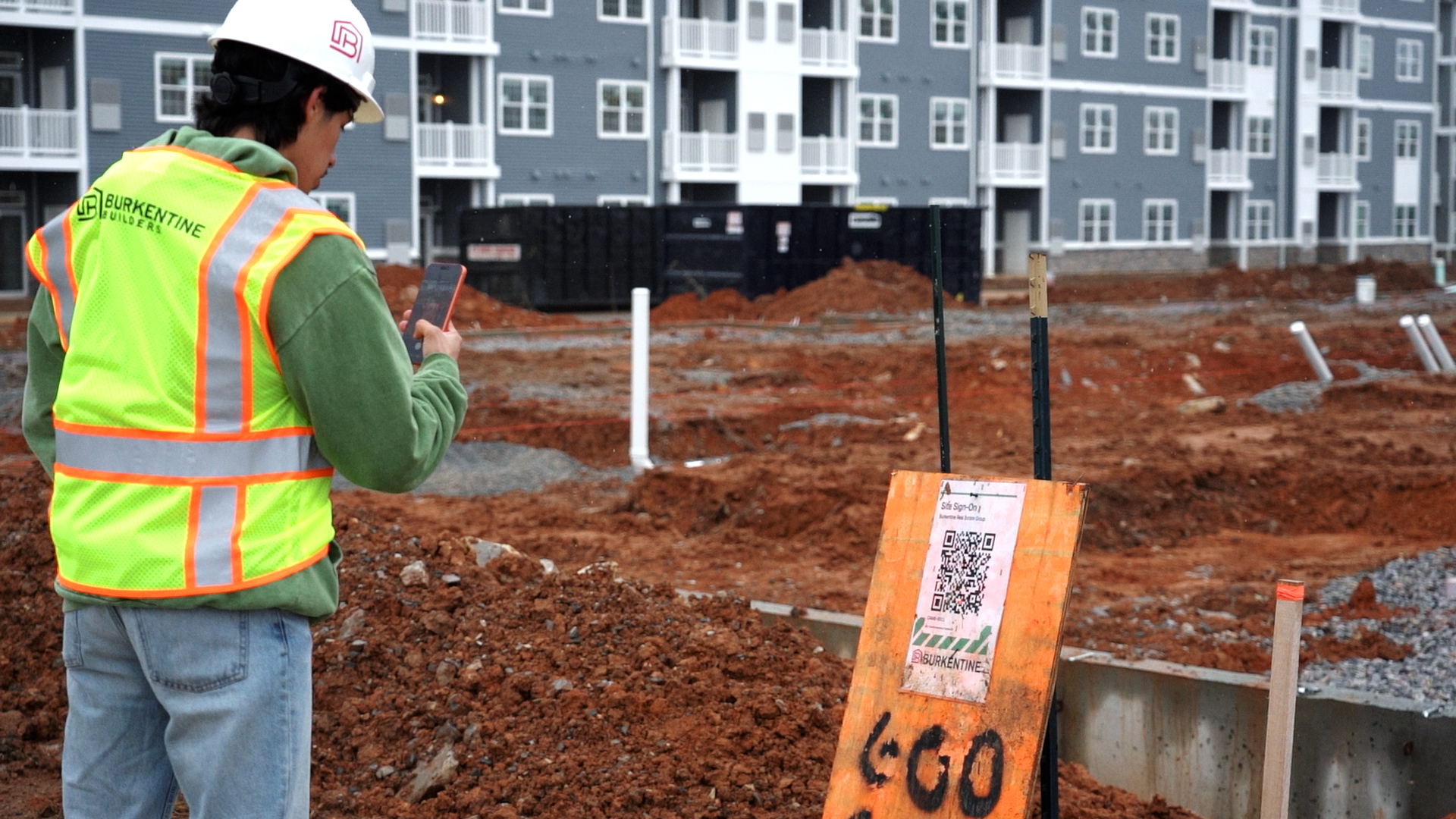
Subs open the link on their phone, complete their orientation and sign in, with nothing to download. Your field team gets Supasite, an app built for them that feeds straight back into BuildPass.

03
An agent that works on your data

Your project data answers back. BuildPass Agent responds to questions about any job and builds workflows you describe, and the MCP connector lets Claude or ChatGPT read the same record from wherever your team works.

How BuildPass and Buildertrend compare

Each row is a part of the job both platforms can be judged on, from the bid to the final pay application. What both do the same way is summed up under the table.

Capability
BuildPass
Buildertrend
Platform scope
Preconstruction
Buildertrend
CRM HubEstimatesTakeoffBidsProposalsEmail Marketing
Finance
Buildertrend
Job Costing BudgetBills and purchase ordersInvoicesChange ordersPayments
Jobsite management
Buildertrend
Daily LogsScheduleTasksPlans and Specifications
Quality
Buildertrend
Punch listsWarrantySubmittals
Site access
Who is on the jobsite, live
BuildertrendTime Clock for your own crew. No sub sign-in
Plant and assets
BuildertrendNot covered
AI and the field
AI in the product
BuildertrendBuildertrend AI covers Client Updates, Bill Capture, Selections and Submittals
Connect your own AI client
BuildPass
BuildertrendNo MCP connector documented
Dedicated field app
Supasite is a standalone BuildPass app that connects into your jobs
BuildertrendBuildertrend mobile app
Sign on with nothing to install
BuildPassScan the QR and continue in the phone browser, or use our worker app
BuildertrendNot covered
Geofenced sign-on and sign-off
BuildPassAutomatic and reminder modes
BuildertrendStaff clock-ins only. No sub sign-in
Commercial
Projects included
BuildPassUnlimited projects on every plan
BuildertrendUnlimited projects and users, quoted per builder
Support
BuildPassUS-based team, 8am to 2am CST
Buildertrend24/7 Help Center and daily trainings

Both cover estimating, takeoffs, bids, proposals, scheduling, daily logs, change orders, job budgets, invoicing, sub and client portals and a field app. The difference is the jobsite: orientations, JHAs, sign-in, ITPs and RFIs.

Buildertrend capabilities checked against Buildertrend's published documentation, October 2026. BuildPass capabilities checked against the BuildPass product source.

Why contractors move to BuildPass

Preconstruction and finance

The bid that wins becomes the budget

Your estimator prices the job in Win, and the bid that wins becomes the budget in Pay without re-entering a line. Pay applications, change orders and retainage run against the same job your field team is signing in to. Buildertrend does not name pay applications or retainage.

See Win and Pay
Smart Compare leveling three electrical quotes against the estimate, with the committed budget alongside
Safety and site compliance

The paperwork arrives before the sub does

A sub arriving on Monday scans the QR at the gate, completes the orientation on their phone and submits their own JHA. Their certifications, insurances and job history attach to them, not to a folder, so the next job starts with the paperwork already done. Buildertrend has no orientation, JHA or sign-in tool.

See health and safety
A sub scanning the gate QR, completing an orientation on their phone, and their JHA waiting review
BuildPass Agent and MCP

Ask your project record a question

Ask BuildPass Agent which punch items are overdue on a job and it answers from your live data. Describe a workflow and it builds it. Connect Claude or ChatGPT through the MCP connector and your project record is available in the tools your office already uses.

See BuildPass Agent
BuildPass Agent answering which punch items are overdue on a project, over the punch list

BuildPass and Buildertrend, answered

The things that come up most when a contractor is weighing up the two.

BuildPass runs preconstruction, jobsite operations and finance in one platform, with orientations, JHAs, ITPs and retainage built in. Buildertrend is residential construction management for home builders and remodelers, focused on sales and homeowner tools. Both cover estimating, daily logs and change orders.

Yes, for a contractor whose jobs need jobsite safety and quality records alongside the numbers. Buildertrend has no orientations, JHAs or sub sign-in. BuildPass runs them on the same job as the daily log, the punch item and the pay application.

For residential builders, the usual shortlist is Buildertrend, JobTread, CoConstruct and Contractor Foreman. For contractors who also need jobsite safety, orientations and sign-in, it widens to platforms like BuildPass and Procore. The deciding question is how much of the jobsite you need in the same system.

Selling to and looking after homeowners. Buildertrend has a CRM with lead management and email marketing, selections, a client portal with AI-written client updates, online payments and warranty claims. If any of those decides your platform, Buildertrend is the stronger choice.

No. Buildertrend's product list has no orientation, JHA, permit, SDS or sub sign-in tool. Its Time Clock tracks your own crew's hours. BuildPass covers orientations, JHAs, permits, toolbox meetings, sign-ins, geofencing and evacuations on the same jobs as the rest of the build.

Buildertrend does not publish prices. It quotes after a call, includes unlimited users and projects, and takes 10% off for paying annually. BuildPass prices by plan and admin users, with unlimited projects, subs and workers, and also quotes after a demo.

For the build itself, yes: estimating, scheduling, daily logs, punch lists, change orders, budgets, pay applications and client updates are all in BuildPass. The exceptions are Buildertrend's CRM and email marketing, homeowner selections and payments, and warranty claims.

Yes. BuildPass Agent answers questions and builds workflows from your live project data inside the product. BuildPass also publishes a first-party MCP connector, so Claude or ChatGPT can work with your BuildPass data directly. Buildertrend AI stays inside Buildertrend.

Yes, because there is nothing for them to download or learn. Subs scan a QR code at the gate, then complete their orientation and sign in from their phone browser. Their JHA, certifications and insurances stay attached to them, so they upload once and reuse them on the next job.

See how much of your job you can run through BuildPass

Preconstruction, jobsite delivery, quality and finance in one platform, built for the team that has to use it.